
Every AI trend, one photo
Put yourself in any TikTok trend
Pick a trend, add one photo of yourself and get a free preview of you in it in about 15 seconds. Like it? Make it a 10-second vertical video for TikTok, Reels or Shorts.
Free preview · No sign-up · $6.99 a video · 10 s · 9:16 · with sound
-
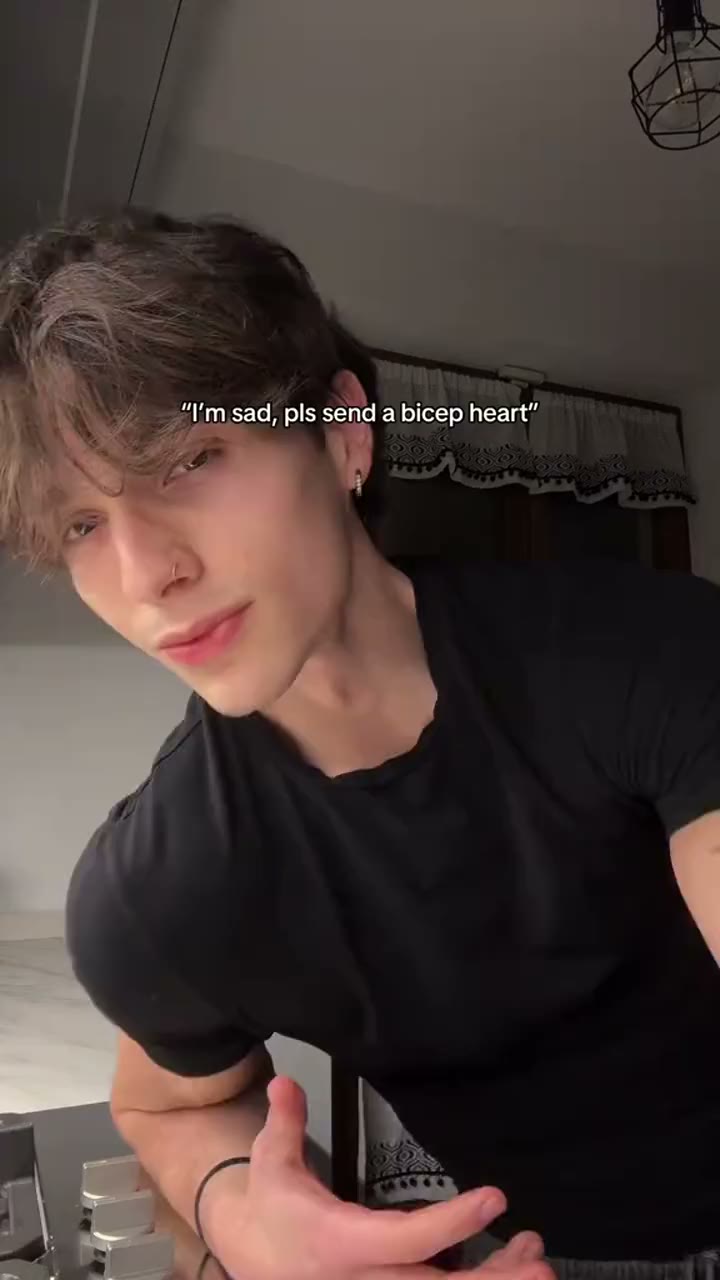 Bicep Heart
-
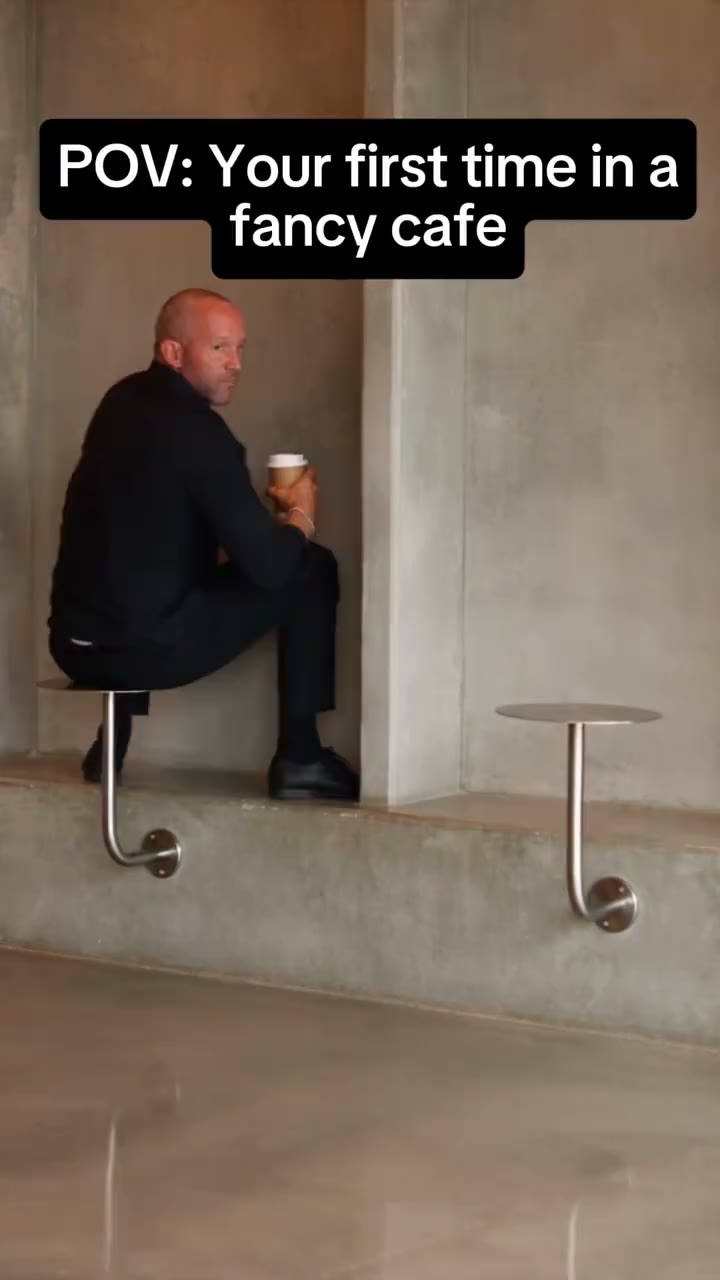 First Time in a Fancy Cafe
-
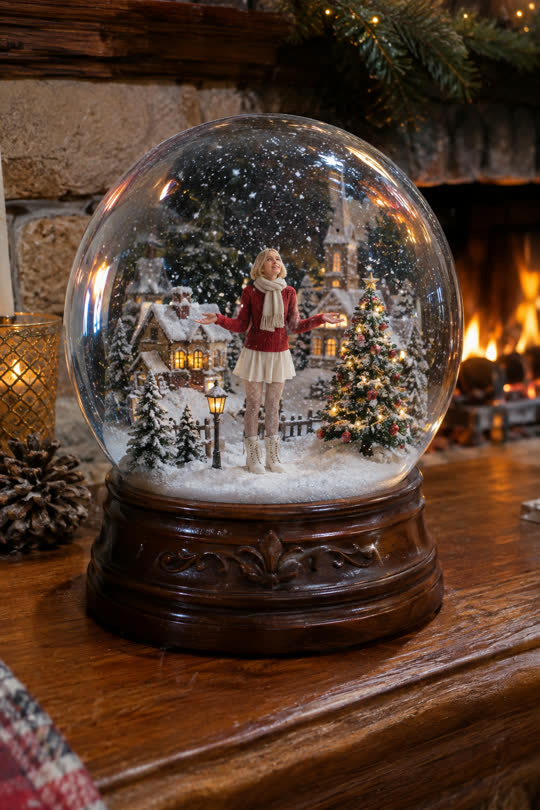 Snow Globe
-
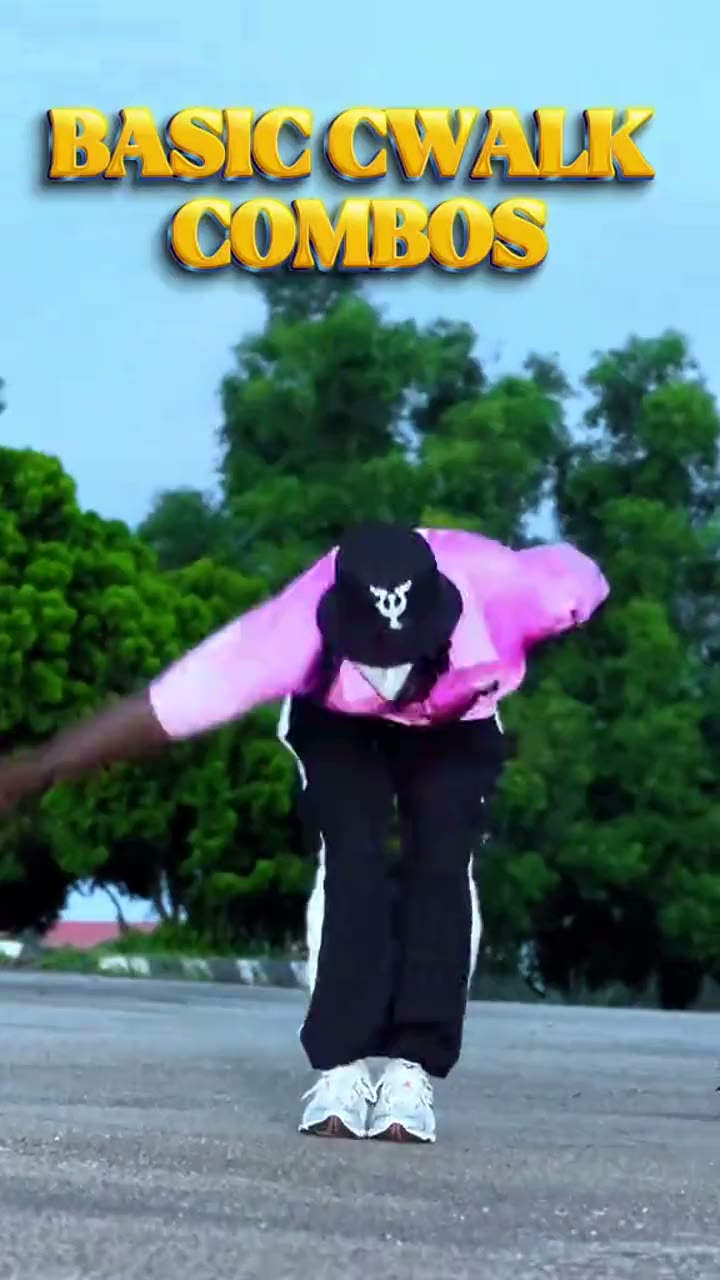 C-Walk
-
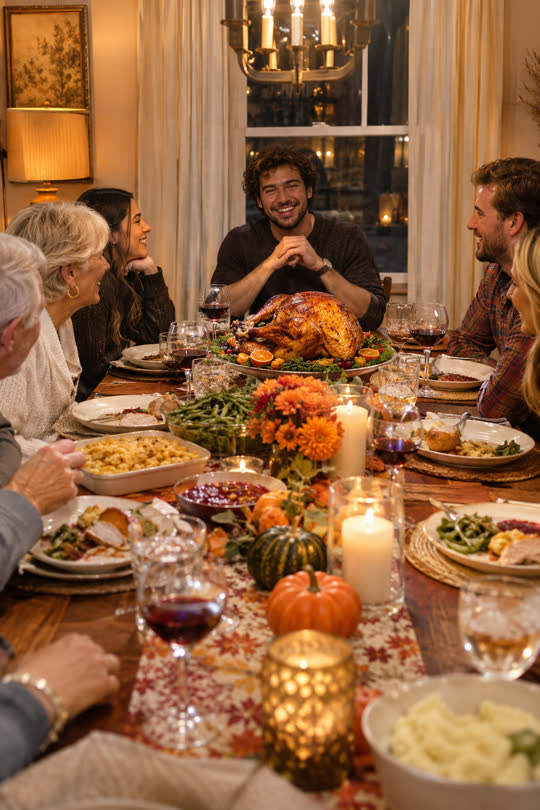 Thanksgiving Dinner
-
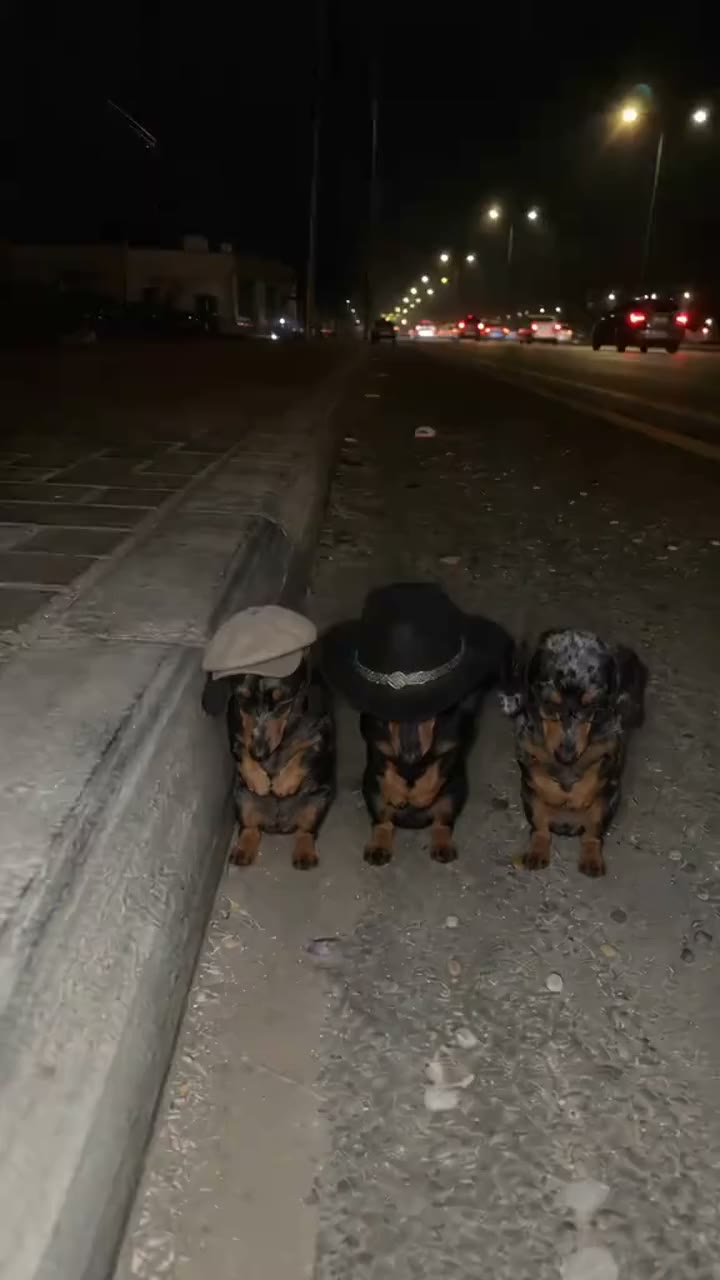 La Calabaza
-
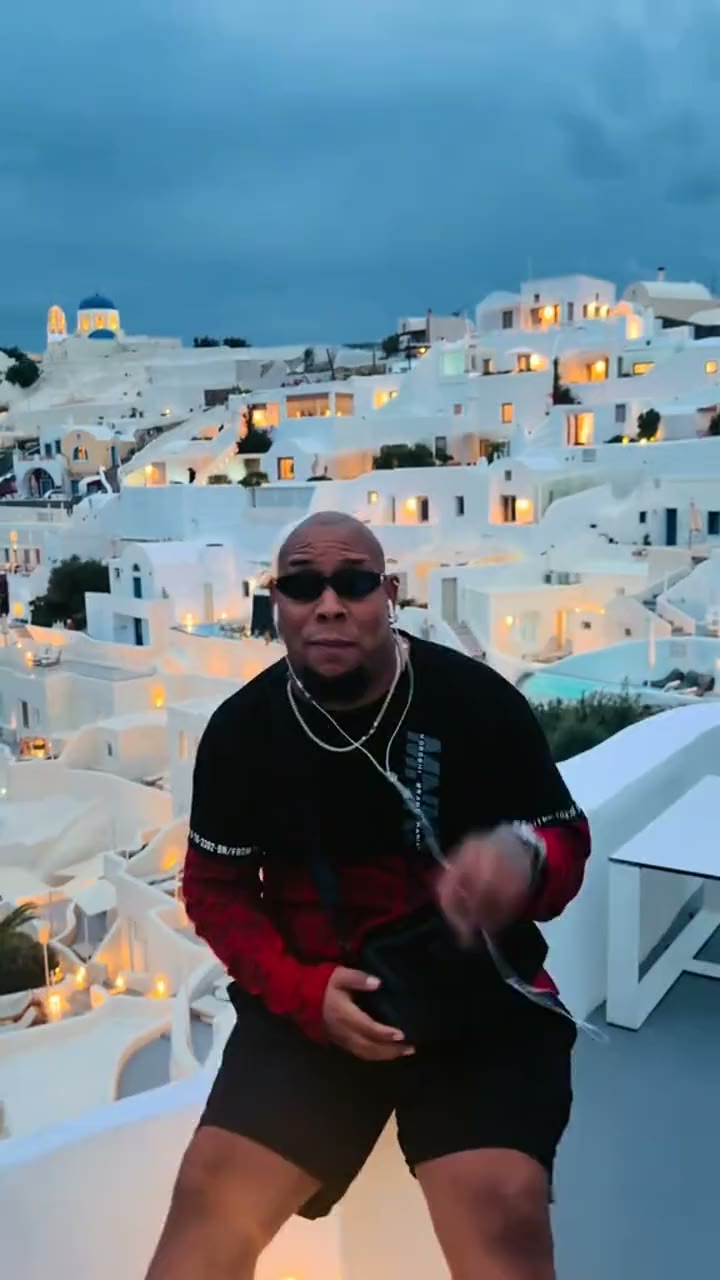 Bulin 47
-
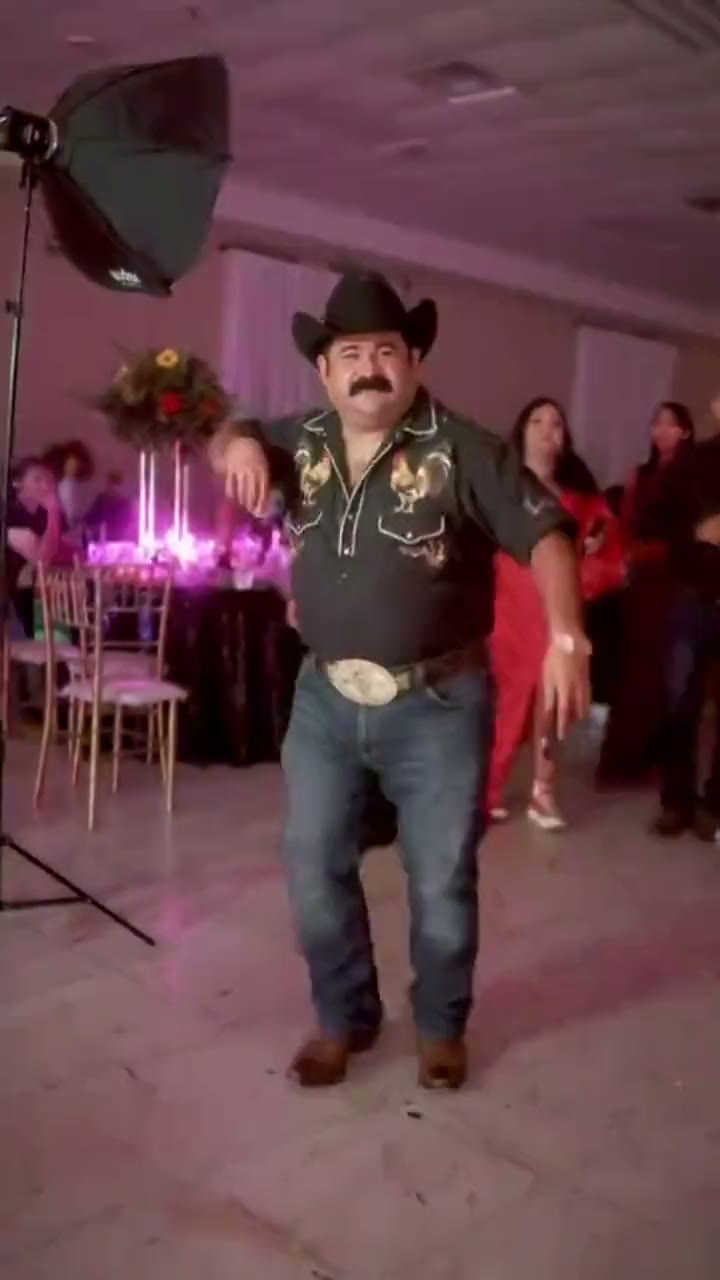 Bby Wow Guy
-
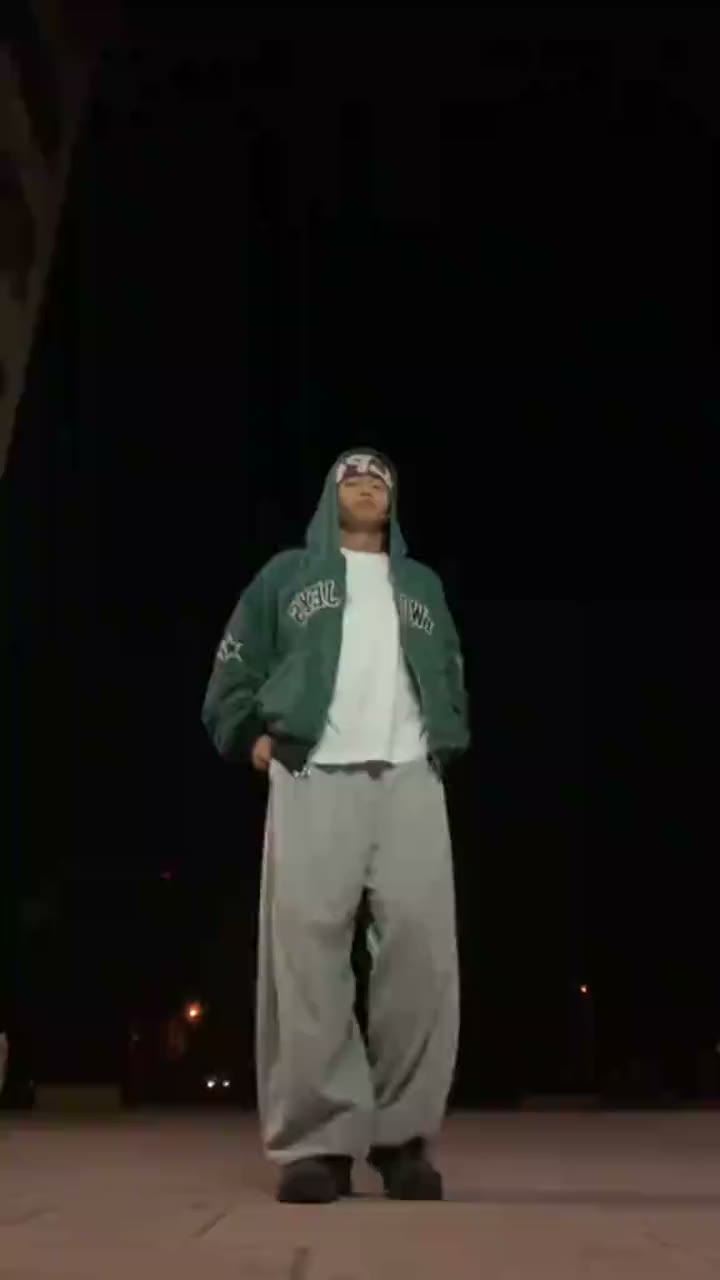 Smooth Criminal Dance
-
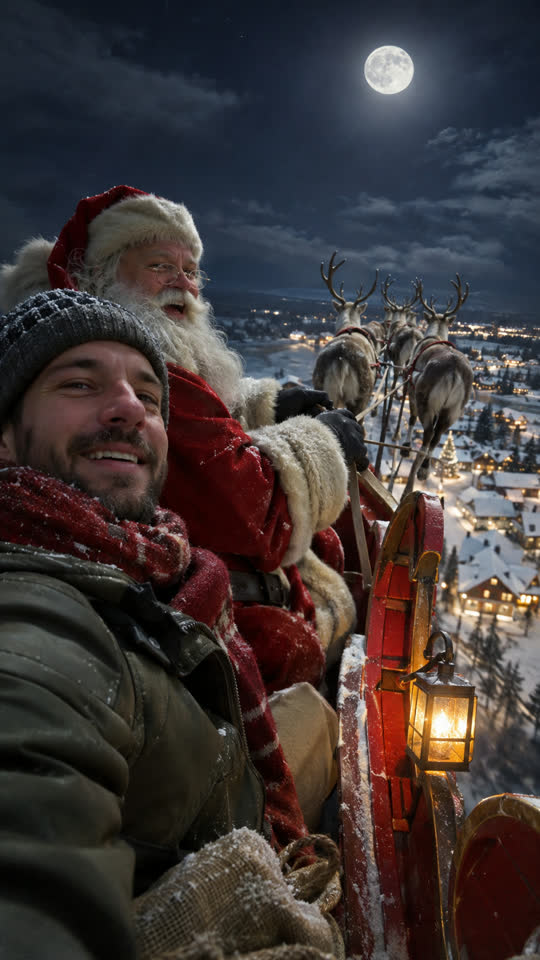 Santa's Sleigh
-
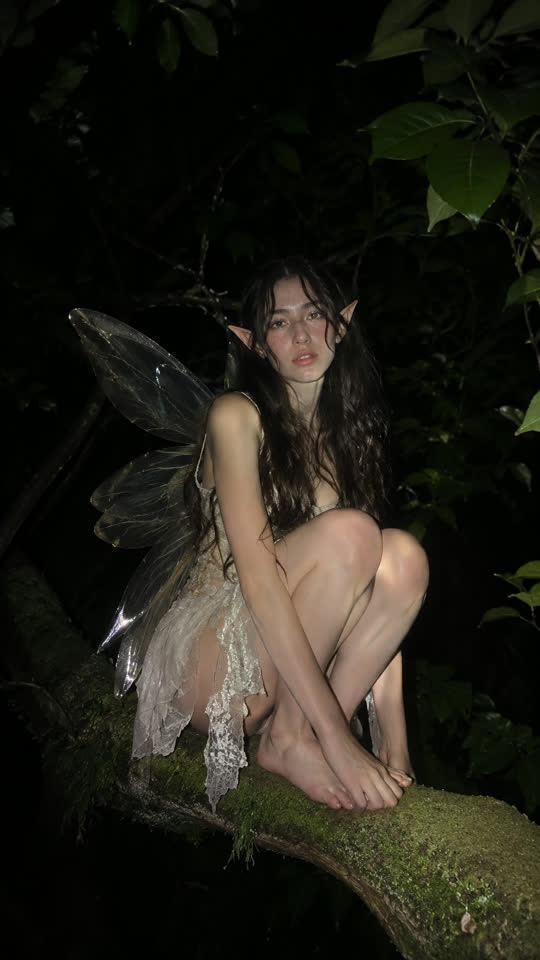 New
Laughing Fairy
-
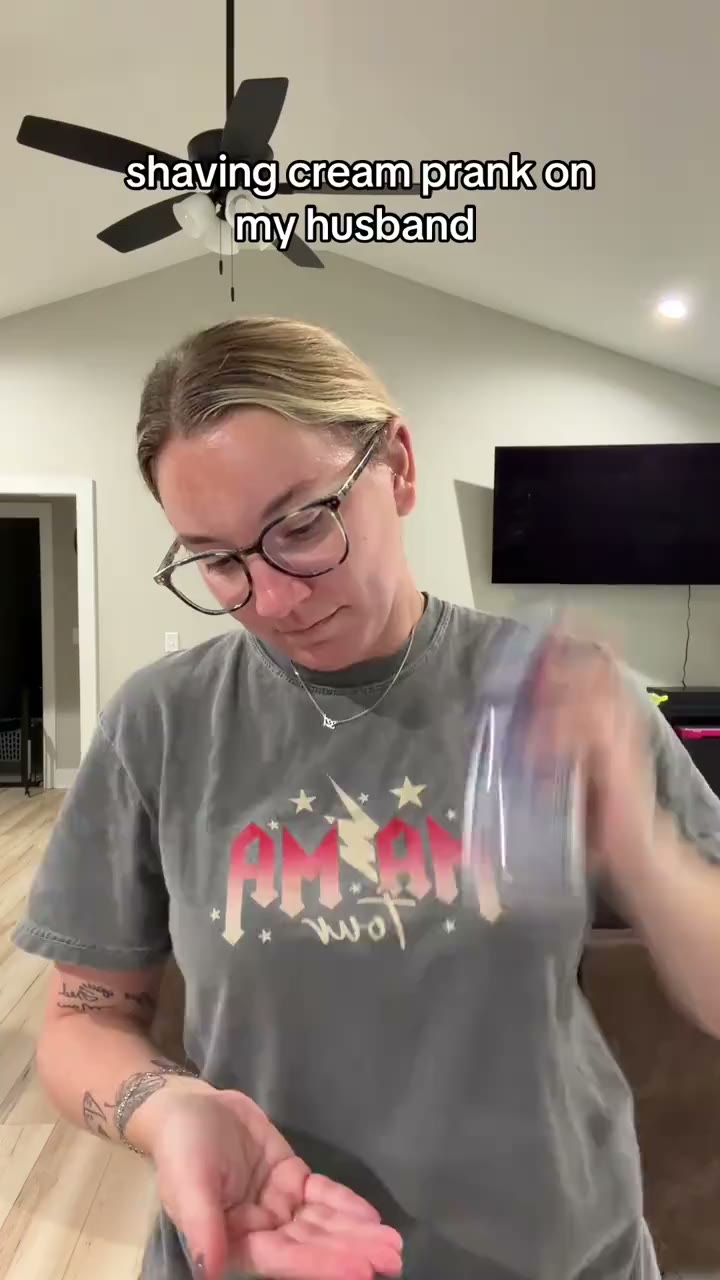 Shaving Cream Trend
-
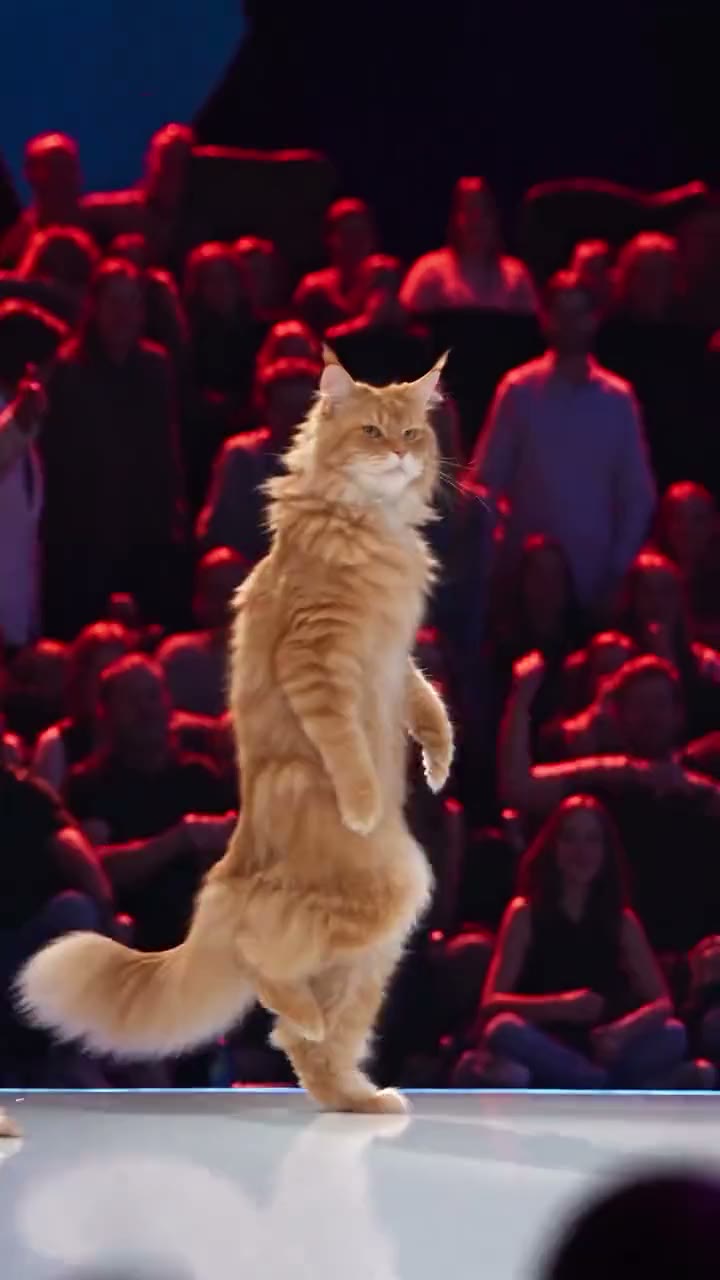 Cat Stage Dance
-
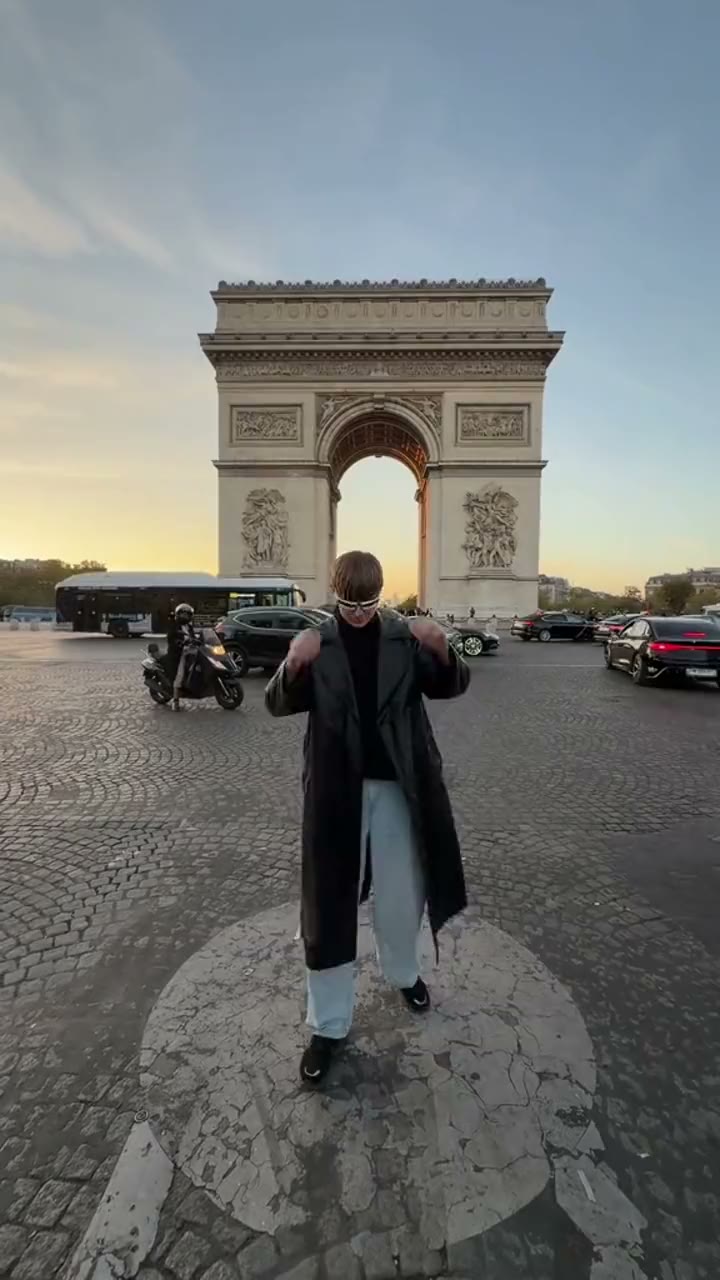 Cheba Man
-
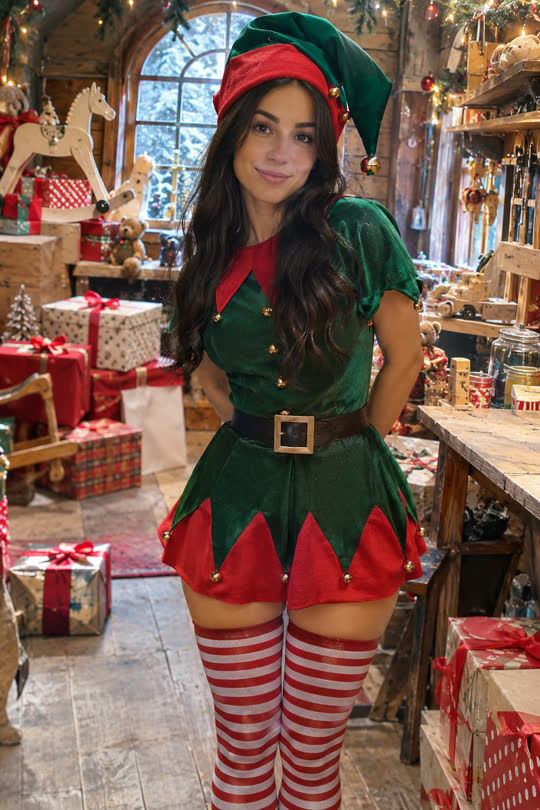 Christmas Elf Dance
-
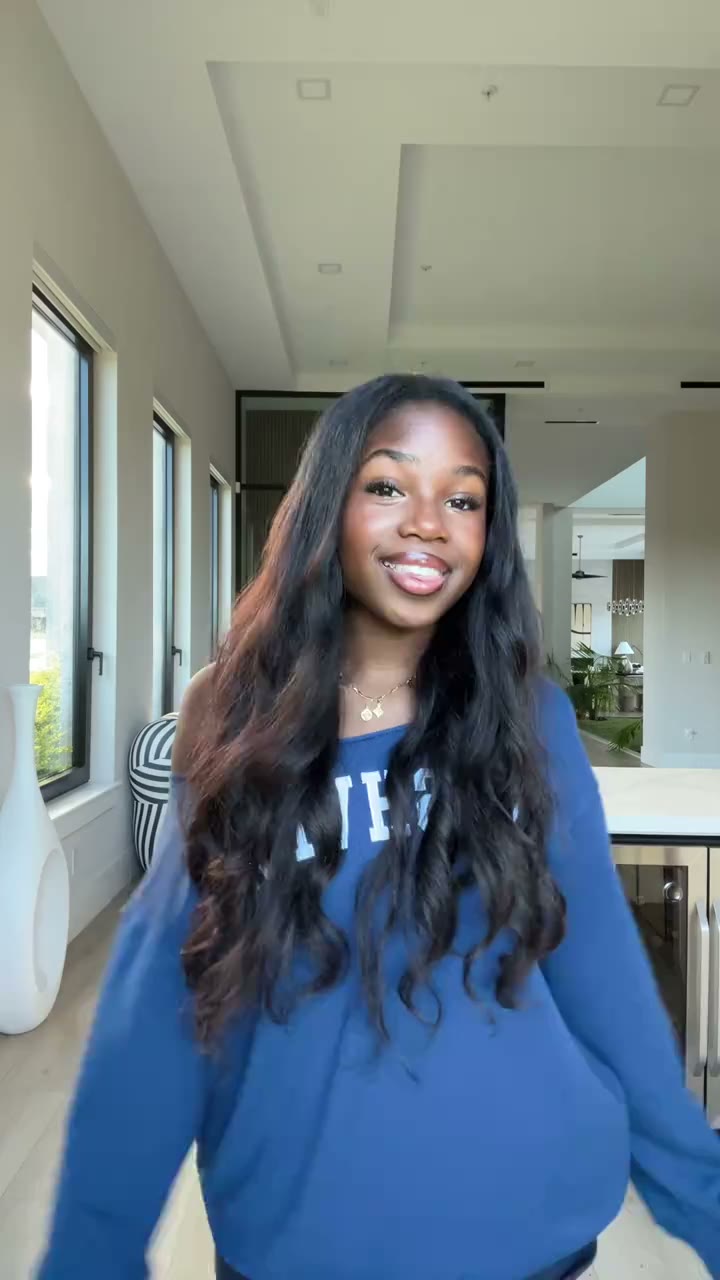 Easy Solo Dance
-
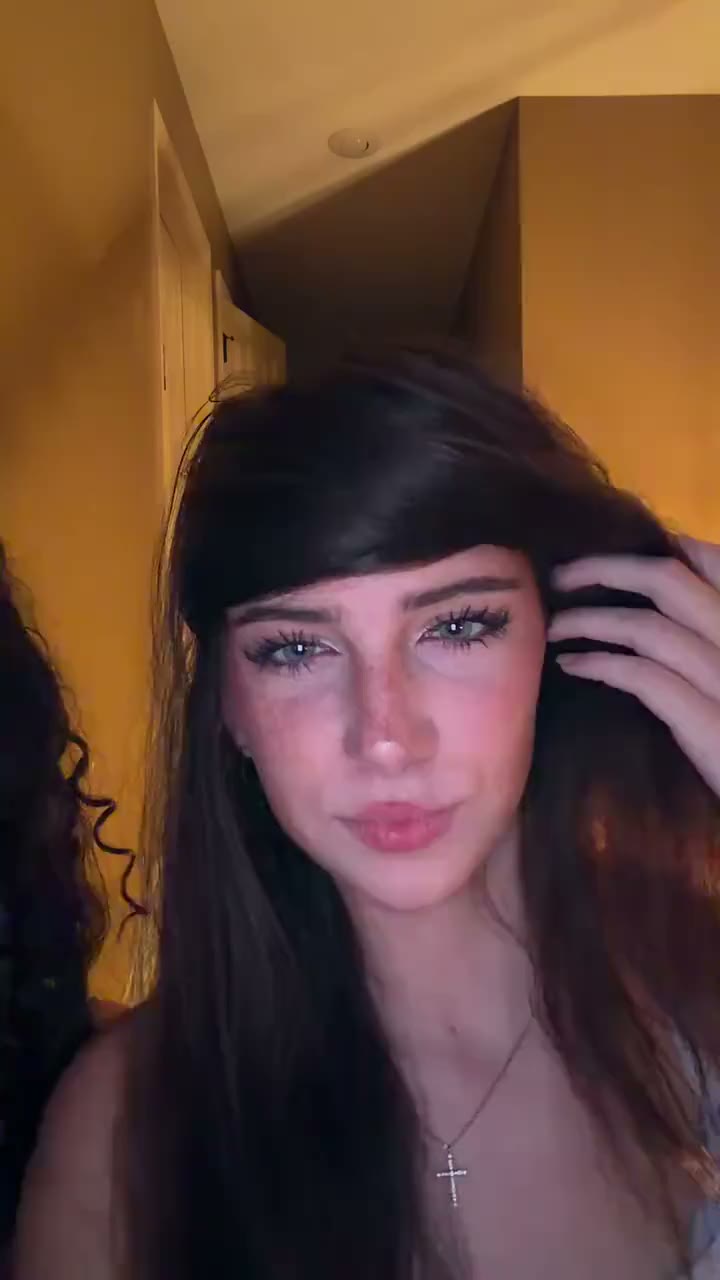 Bye Bye
-
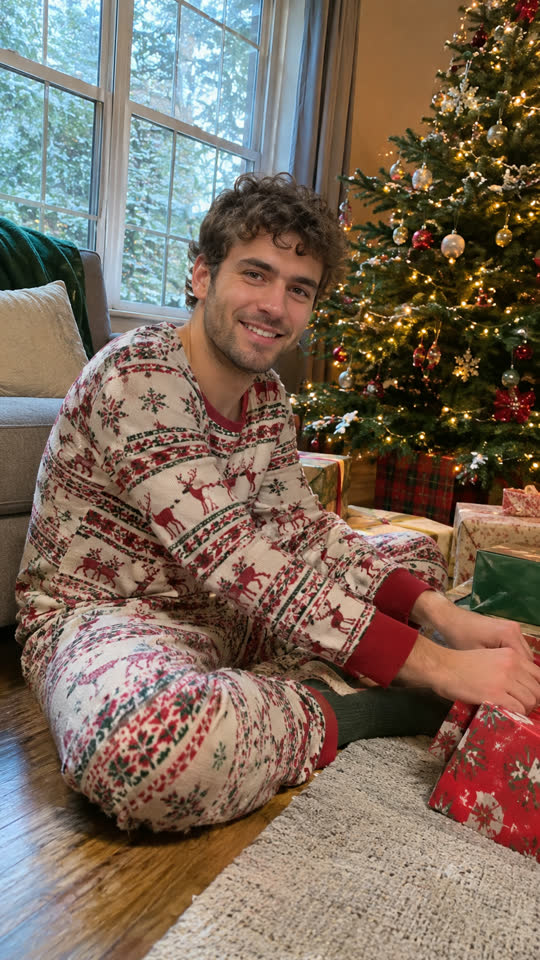 New
Christmas Morning
-
 I Wanna Love You Pet
-
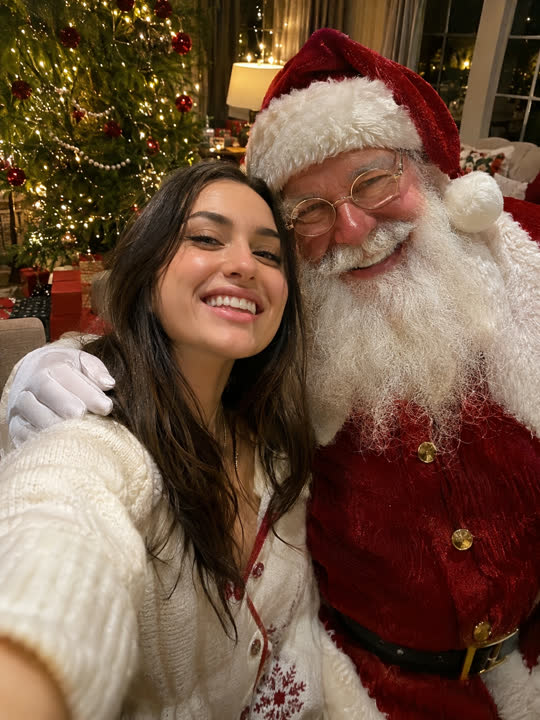 Selfie With Santa
-
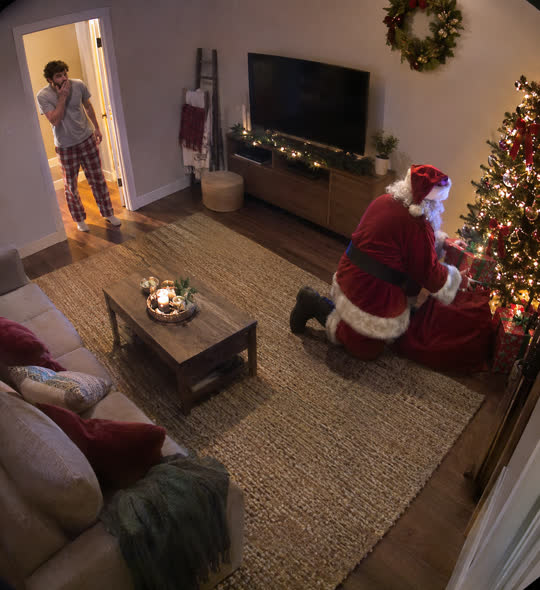 Santa Caught on Camera
-
 Pet Christmas
-
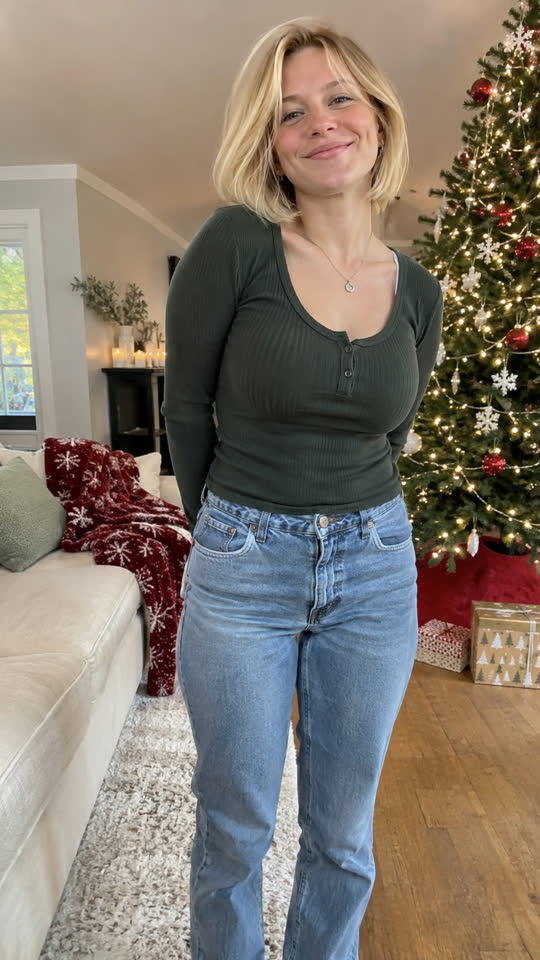 New
Santa Transformation
-
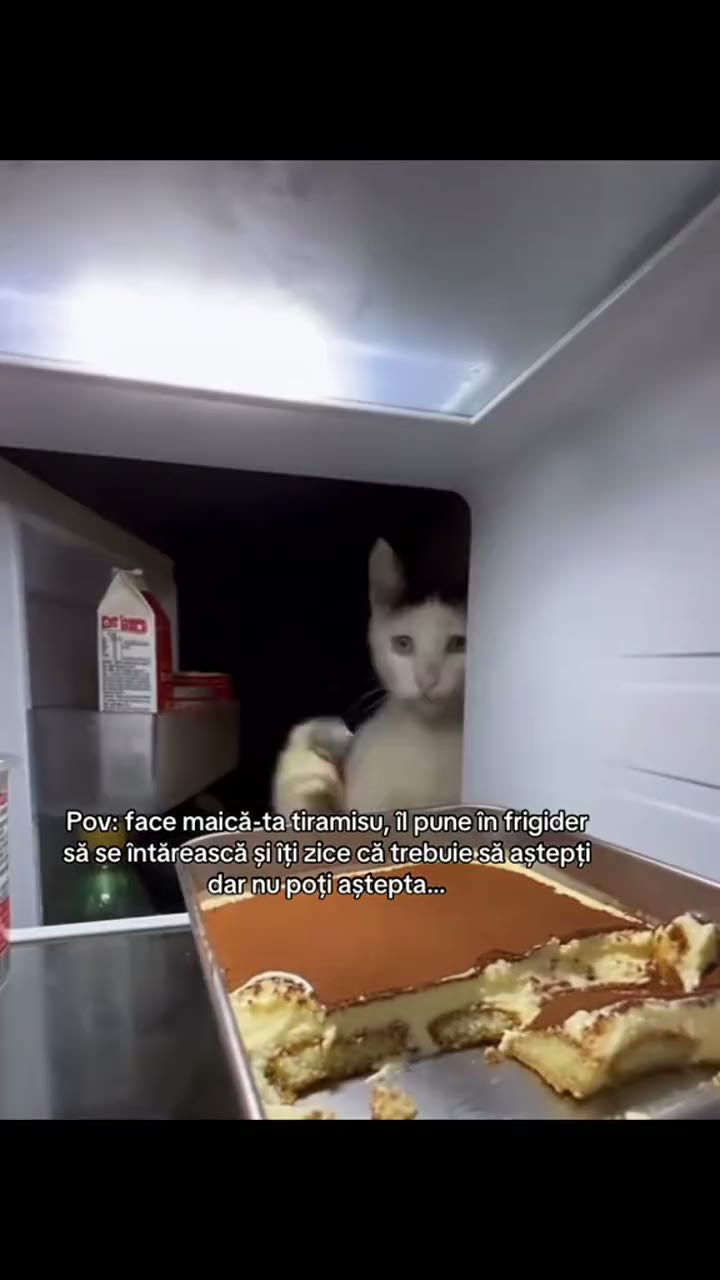 Pet Fridge Cake Heist
-
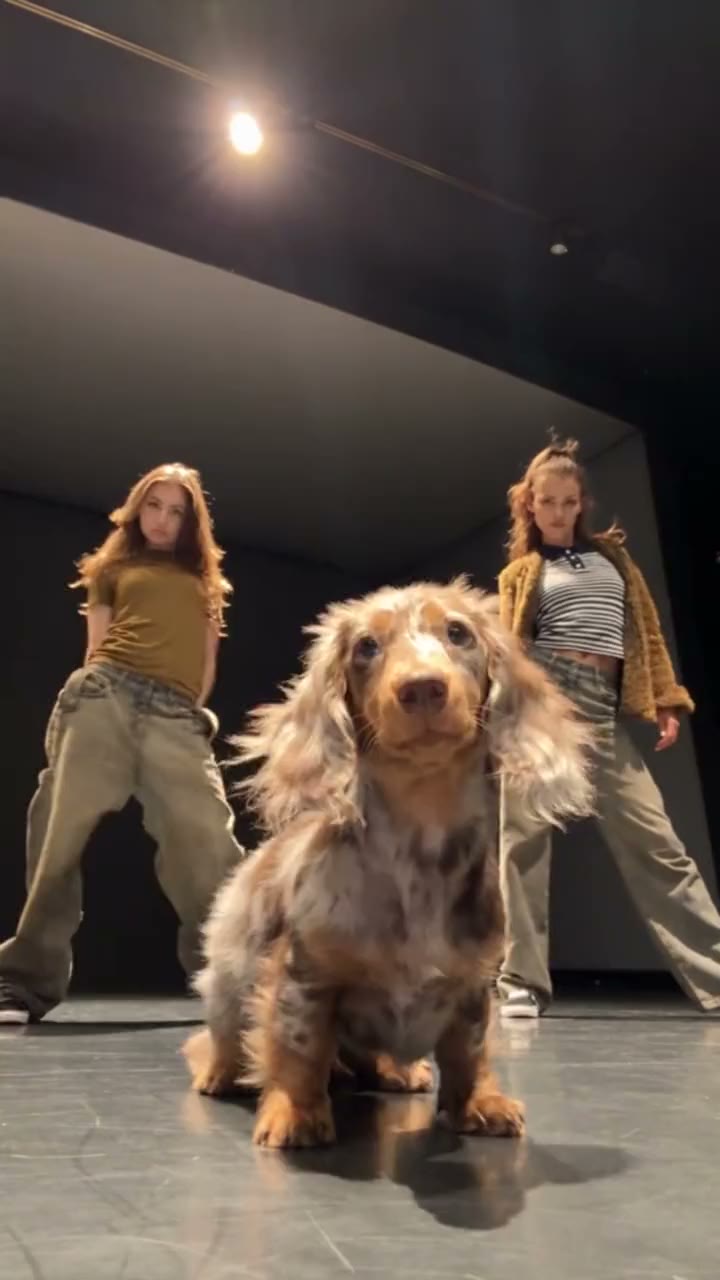 Single Ladies Dog
-
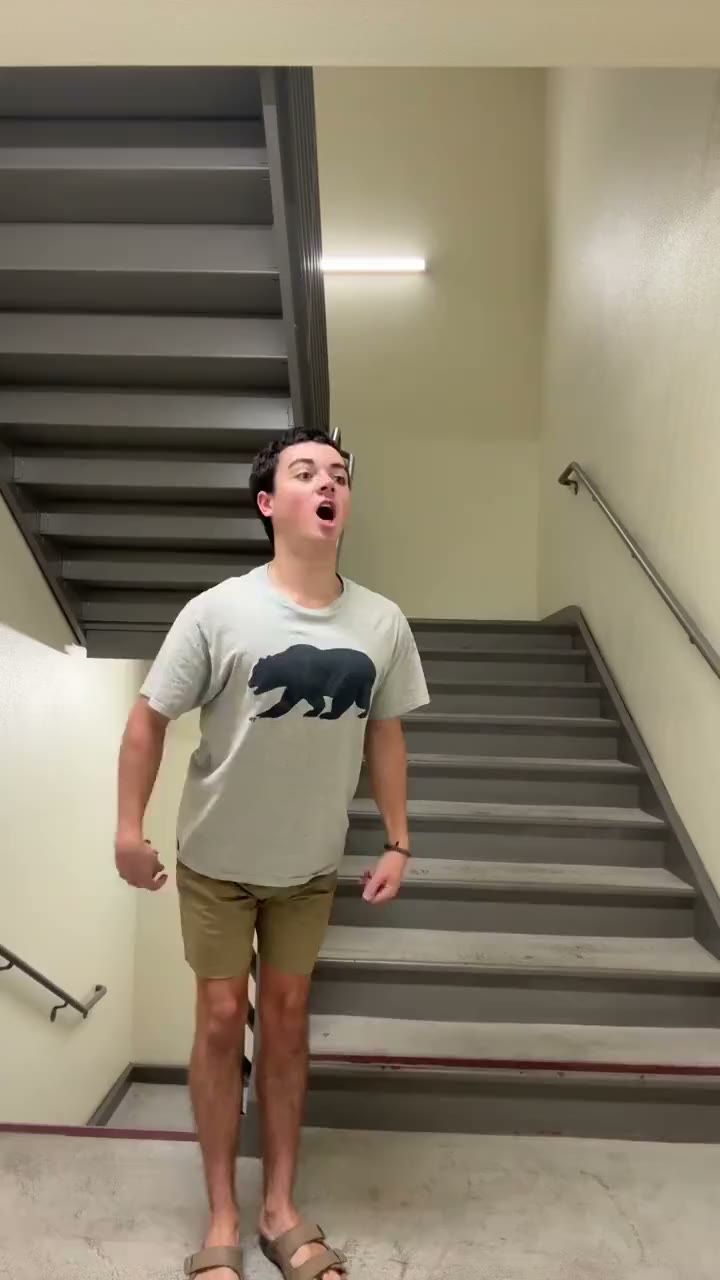 Coffee Shop Bop
-
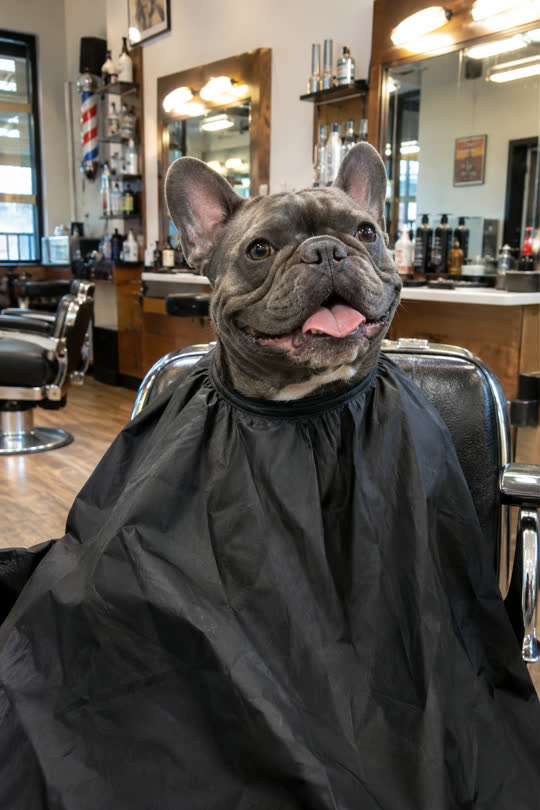 Pet Barbershop
-
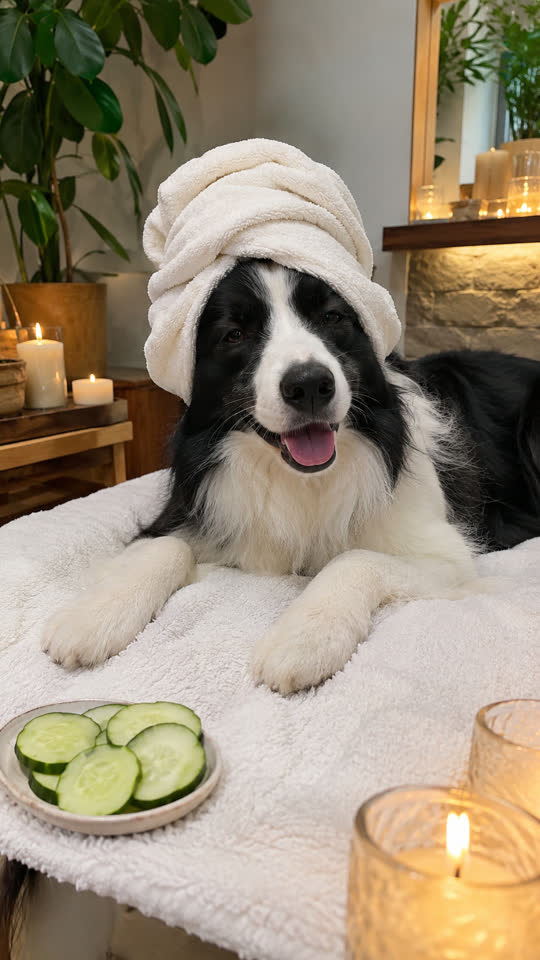 Pet Spa Day
-
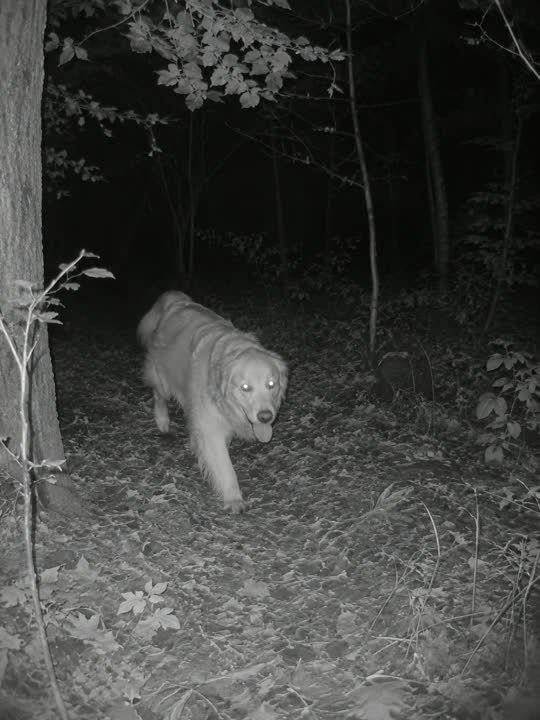 Pet Trail Cam
-
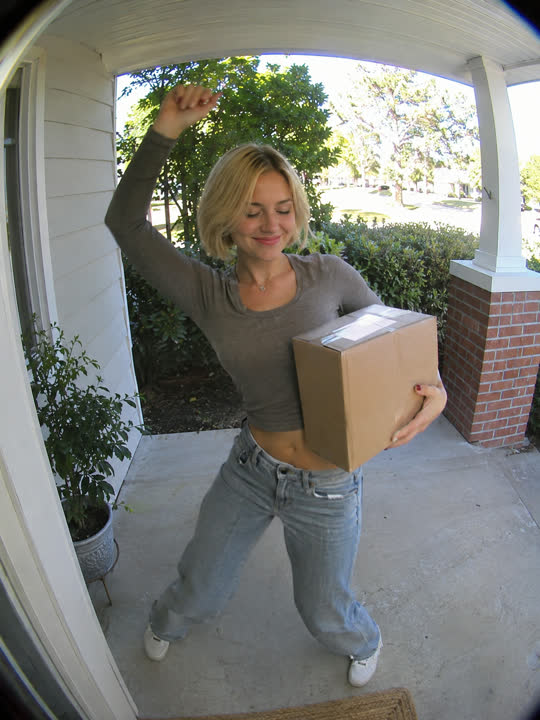 Doorbell Cam
-
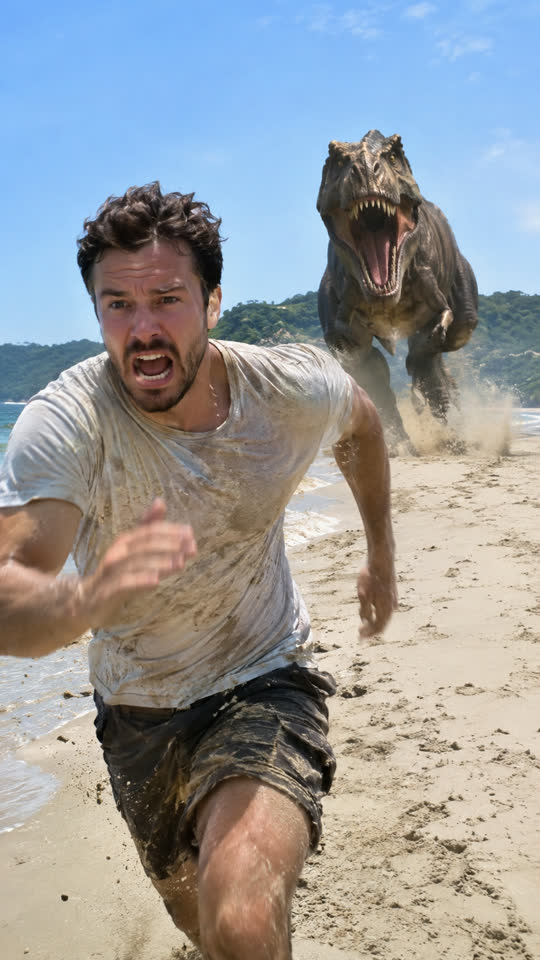 Dinosaur Chase
-
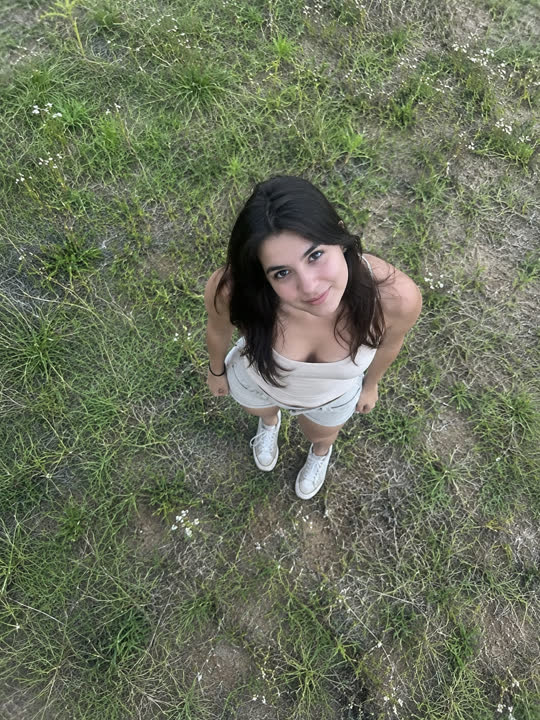 Earth Zoom Out
-
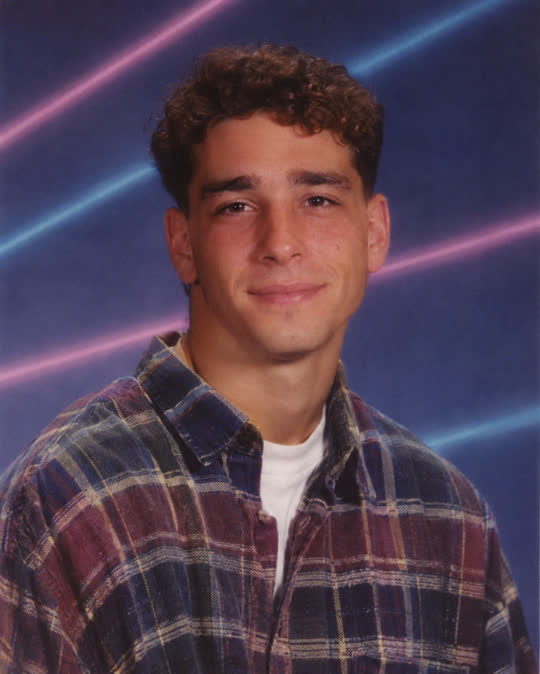 90s School Photo
-
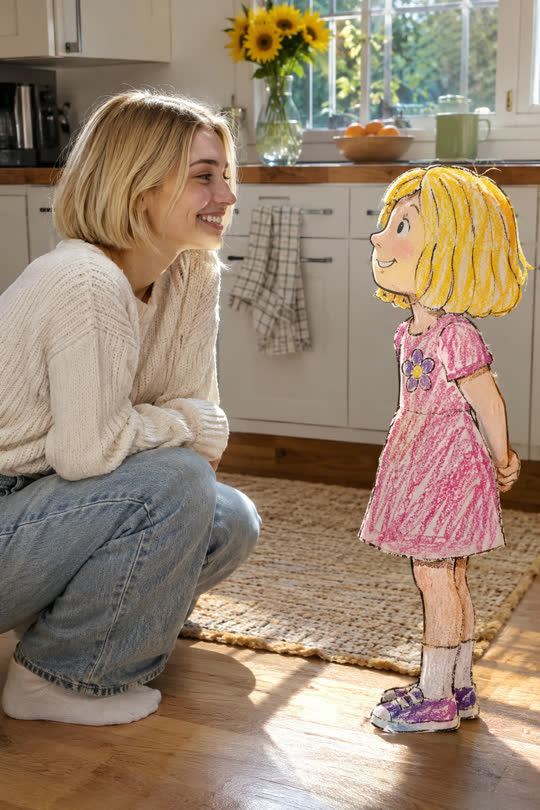 Meet Your Younger Self
-
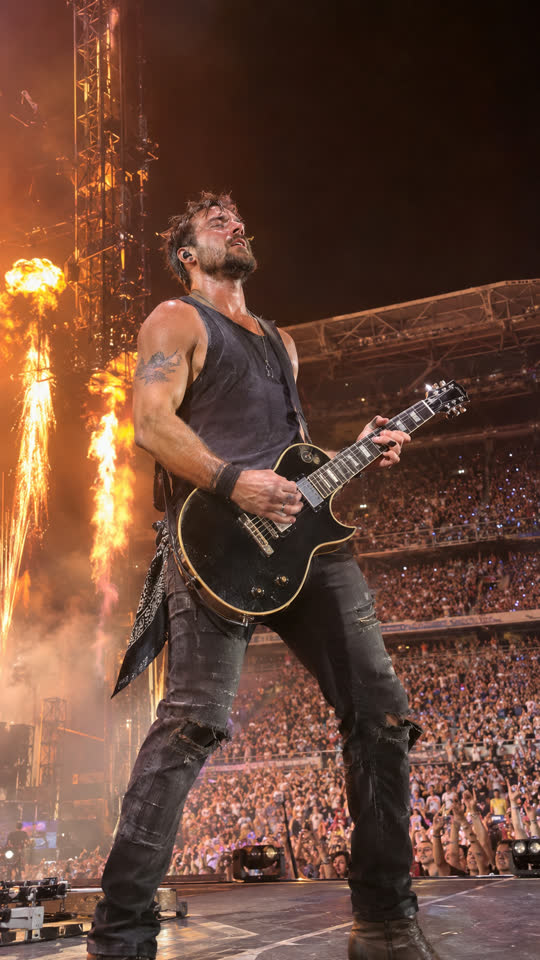 Rock Concert
-
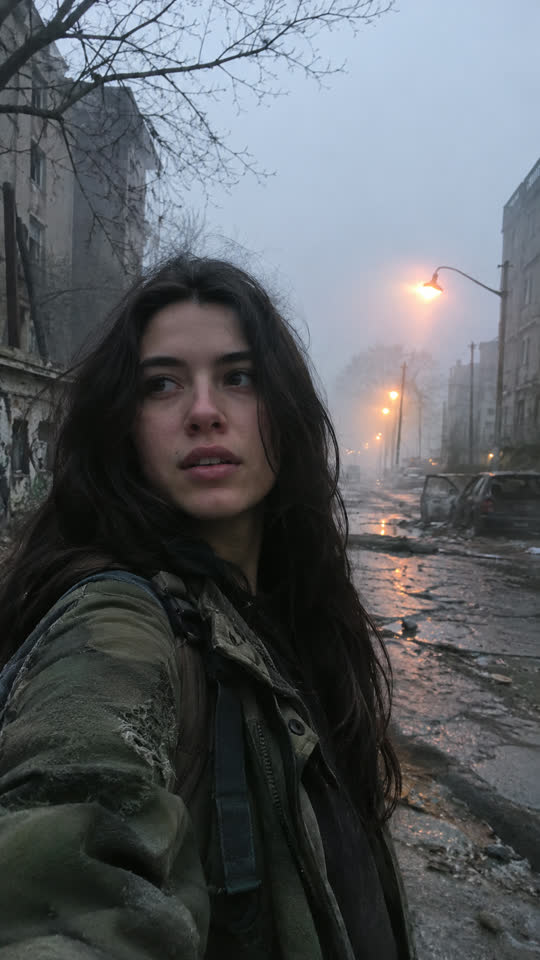 Zombie Transformation
-
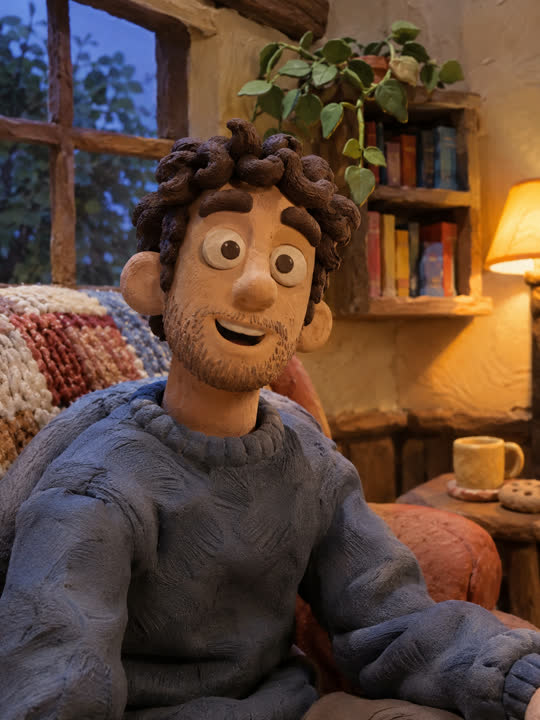 Claymation
-
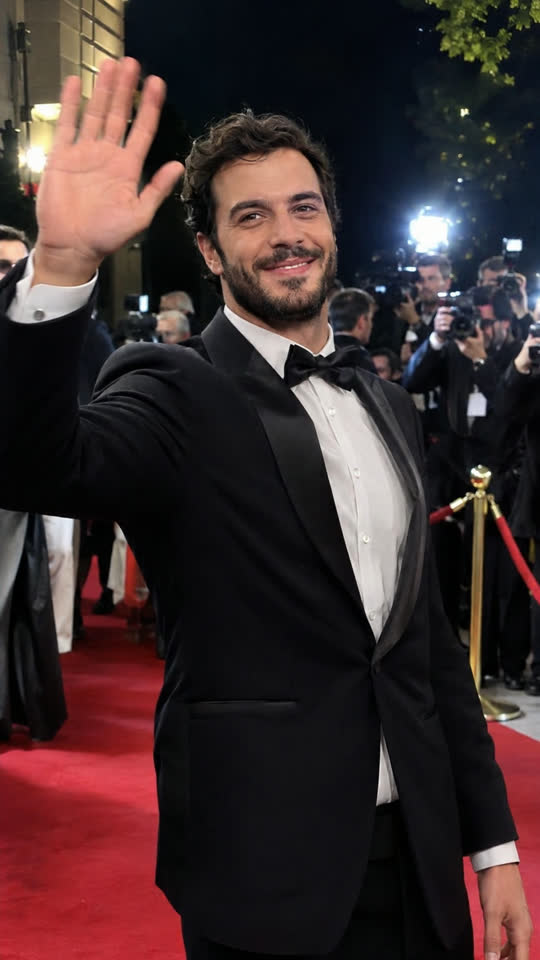 Red Carpet
-
 Money Rain
-
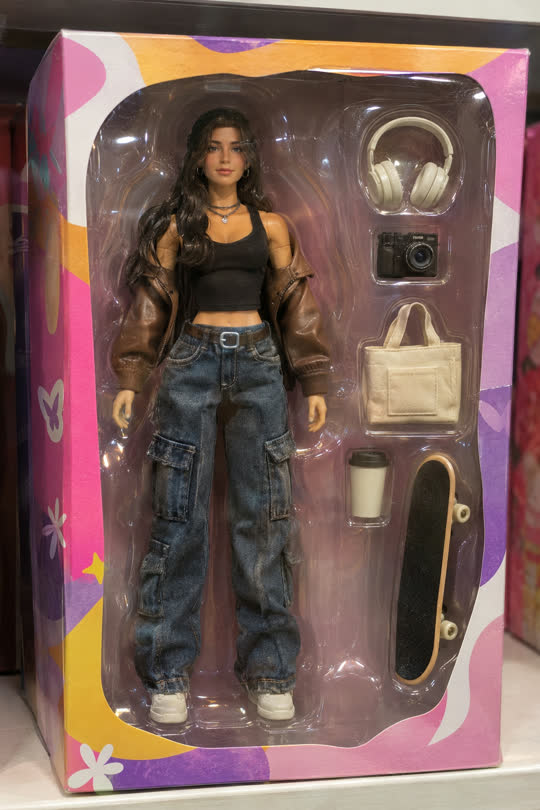 Action Figure
-
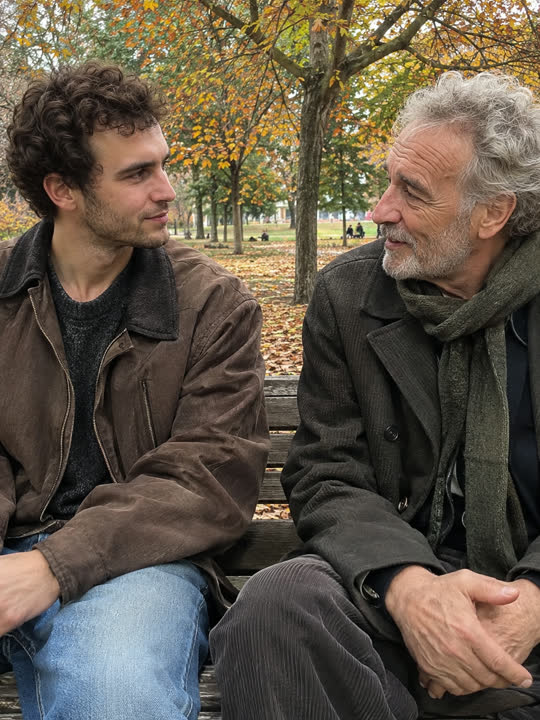 Meet Your Older Self
-
 Mermaid
-
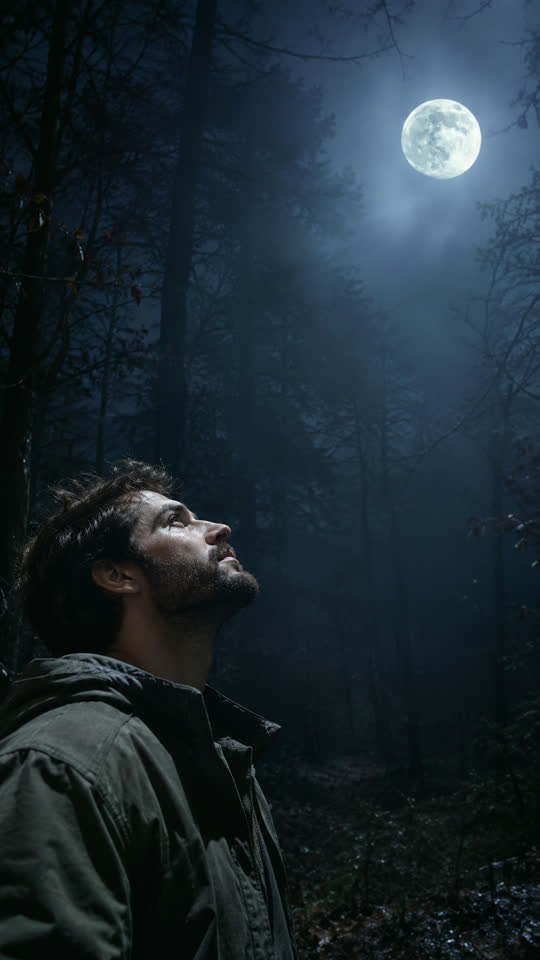 Werewolf Transformation
-
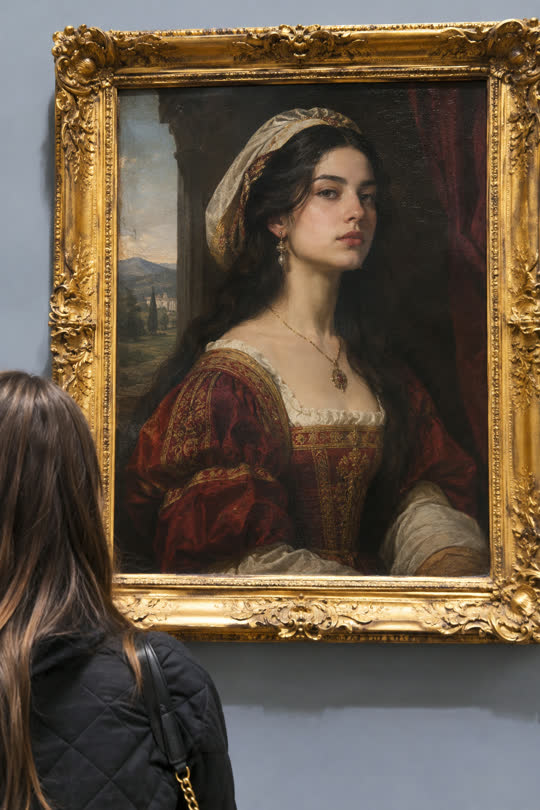 Living Painting
-
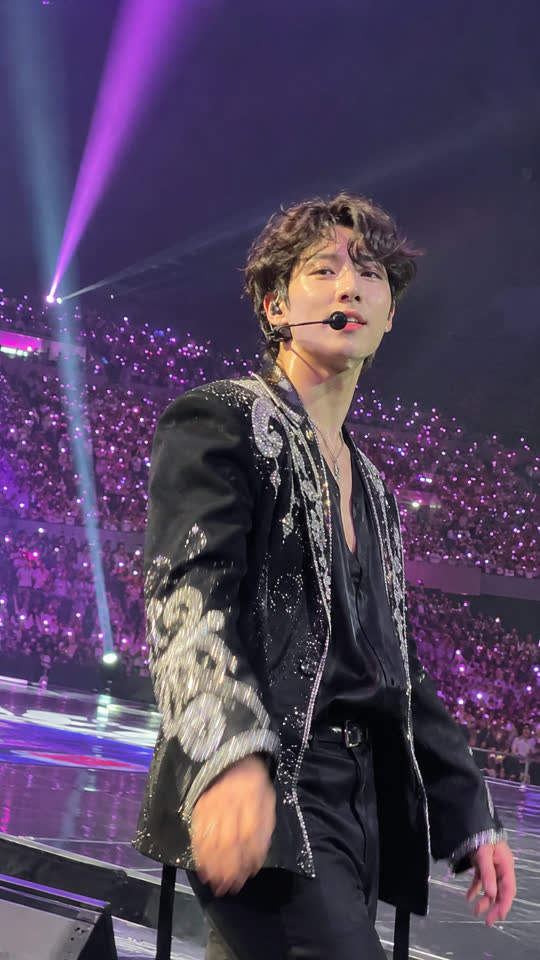 K-pop Idol
-
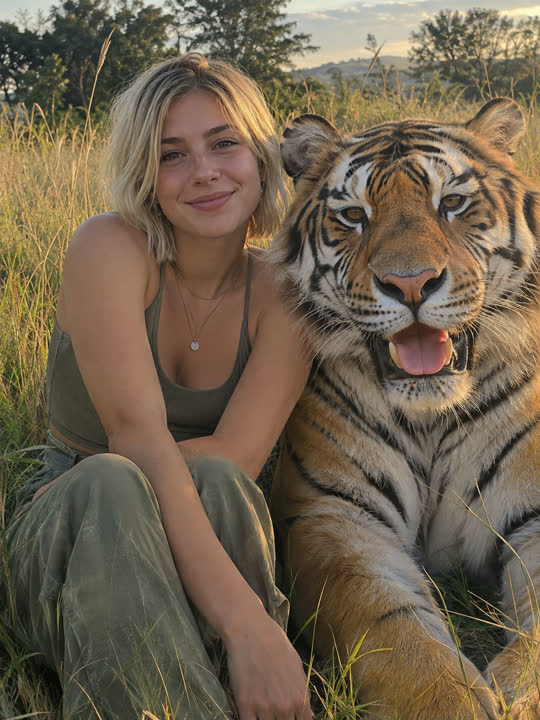 Tiger Hug
-
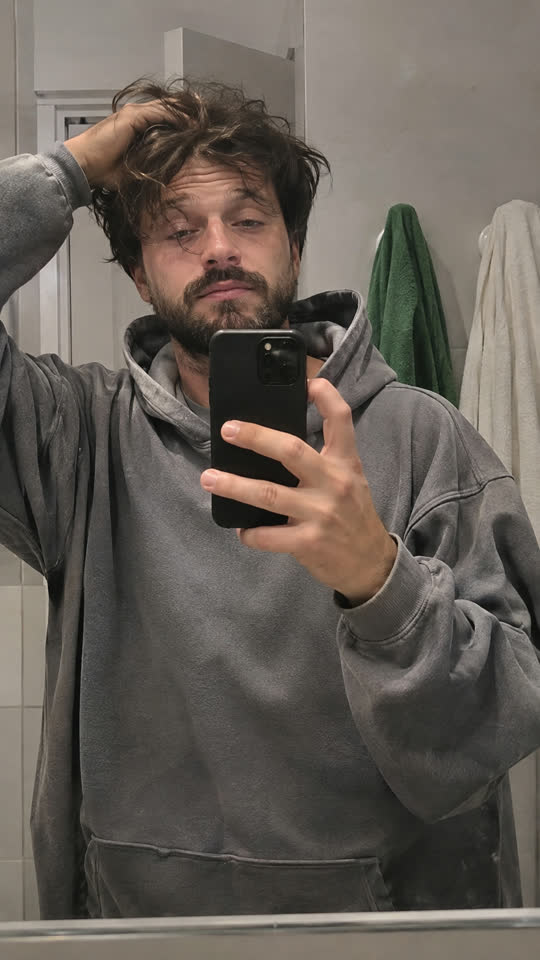 Glow Up
-
 Singing Pet
-
 Pet Chef
-
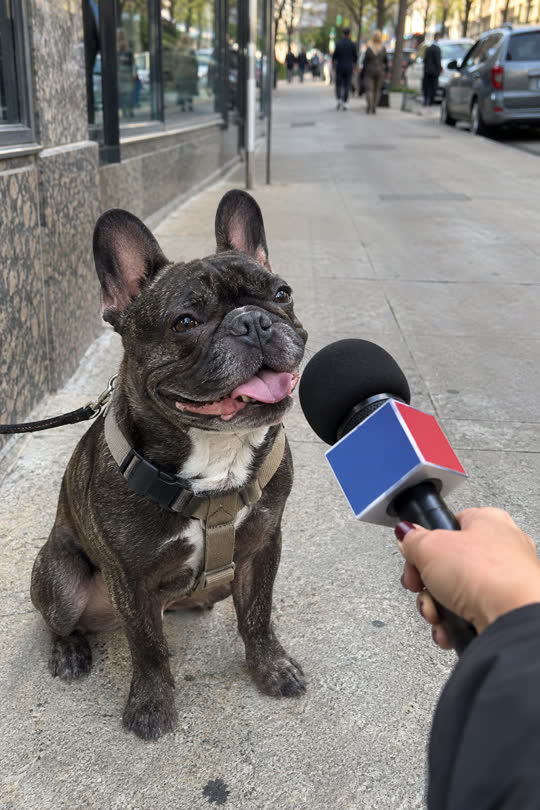 Pet Interview
No trend matches. Ask us to add it.
How it works
How do I put myself in a TikTok trend video?
Open the trend's page, add one clear photo of yourself and wait about 15 seconds for a free preview still of you in the trend. Change it up to three times, then make the 10-second video: it's saved in My videos in a few minutes.
- Add one photo
One person, face clearly visible and well lit. A waist-up or full-body photo works best for dance trends. No sign-up, no app.
- See yourself in it, free
A preview still in about 15 seconds. Not right? Change the outfit or add a note, up to 3 times free.
- Get the video
A 10-second vertical video for TikTok, Reels or Shorts, ready in a few minutes, no watermark. $6.99, paid once.
Real clips
Real TikTok clips, credited to the people who made them
On real-clip trends you step into the original video: same moves, same sound, your face. Every clip names its creator and links the original post, and a creator can have their clip taken down at any time from the takedown page. We find trends the way this page explains.
FAQ
Remake the Trend FAQ
Is Remake the Trend free?
The preview is free: add a photo and see a still of yourself in the trend in about 15 seconds, and change it up to 3 times. The 10-second video is $6.99, or $14.99 for 3 videos. No subscription needed, no sign-up.
Do I need to sign up?
No. Your first photo opens a private guest space on this browser. Pay with your email at checkout and your videos and leftover credits are kept under that email; sign in with it later on any device.
How long does it take?
The free preview takes about 15 seconds. The video takes 2 to 5 minutes; you can leave the page: it waits in My videos, and once you've paid we email you when it's ready.
What photo works best?
One person, face clearly visible and well lit, nothing covering the face. For dance trends a waist-up or full-body photo is best. Only photos of yourself, or of adults who agreed; no children and no public figures.
What is a real TikTok clip?
Some trends use the original TikTok clip: your face and body replace the creator's, and the moves, timing and sound stay. Each clip names and links its creator, and creators can have their clip removed at any time.
What if the video comes out wrong?
A video that fails gives its credits back automatically. If it finishes but looks wrong, write to us within 7 days and we refund it.
What happens to my photo?
Only you can see it. Photos are deleted after 30 days, or after 2 days if you never make a video, and never used to train AI. You can delete everything from My videos at any time.
Pick a trend and see yourself in it
Your photo in, the trend out.