
Paste any TikTok
Put yourself in any TikTok
Free preview · No sign-up · $6.99 a video · 10 s · same moves · original sound
Paste a TikTok or Instagram Reels link (or upload the video, Shorts too), pick the 10 seconds you want and add one photo of yourself. You get a free preview of you in it, then a 10-second video with the same moves and the original sound.
- Paste a TikTok or Reels link, or upload the video
- Slide to the 10 seconds you want
- Add one photo of yourself: free preview in about 15 seconds
- Like it? Get the video for $6.99
How it works
How do I put myself in a TikTok video?
Paste the video's link, slide to the 10 seconds you want, then add one clear photo of yourself. In about 15 seconds you see a free preview of you in the first frame; if you like it, the video copies every move of those 10 seconds onto you and keeps the sound.
What works best
Works best when one person fills the frame and faces the camera. Fast spins, hands and crowds can come out softer than the original. Public videos only; the original stays its creator's.
Rules
- Public videos only. Credit the original creator when you post, and say it's AI.
- Only photos of yourself, or of adults who agreed. No children, no public figures.
- No sexual, violent or political fakes. A creator or anyone shown can have a video removed on the takedown page.
FAQ
TikTok face swap FAQ
Which links work?
TikTok and Instagram Reels links to public videos: copy the link from the app's Share button and paste it. YouTube Shorts links don't work yet, so save the Short to your phone and upload it as a file; the same goes for a private video or one we can't open (MP4 or MOV, up to 3 minutes and 90 MB).
Is it free?
The preview is free: once your video and photo are in, you see a still of yourself in its first frame in about 15 seconds, and can change it up to 3 times. The 10-second video is $6.99, or $14.99 for 3 videos. No sign-up.
Can I pick which part of the video?
Yes. Slide to where your 10 seconds should start; the picked part plays on a loop so you can check it. Videos of 10 seconds or less are used whole.
Does it keep the original sound and moves?
Yes. The video copies the moves and timing of your 10 seconds onto you and keeps their sound. Fast spins, hands and quick cuts can come out softer than the original.
What if there are several people in the video?
The preview swaps the main person, the one the camera is on. Videos where one person fills the frame work best; crowds and quick cuts between people don't.
Can I use anyone's video?
Use public videos, and credit the creator when you post: the original stays theirs. Only add photos of yourself or of adults who agreed; no children and no public figures. Creators can ask us to remove anything made from their video on the takedown page.
How long does it take?
Getting the video takes a few seconds, the preview about 15 seconds, and the paid video 2 to 5 minutes. It waits in My videos, and once you've paid we email you when it's ready.
What happens to my photo and the video?
Only you can see them. The whole video you add is deleted after 2 days, your photo and the 10 seconds after 30 days (2 if you never make a video), and nothing is used to train AI.
Or pick a real TikTok clip that's ready to go
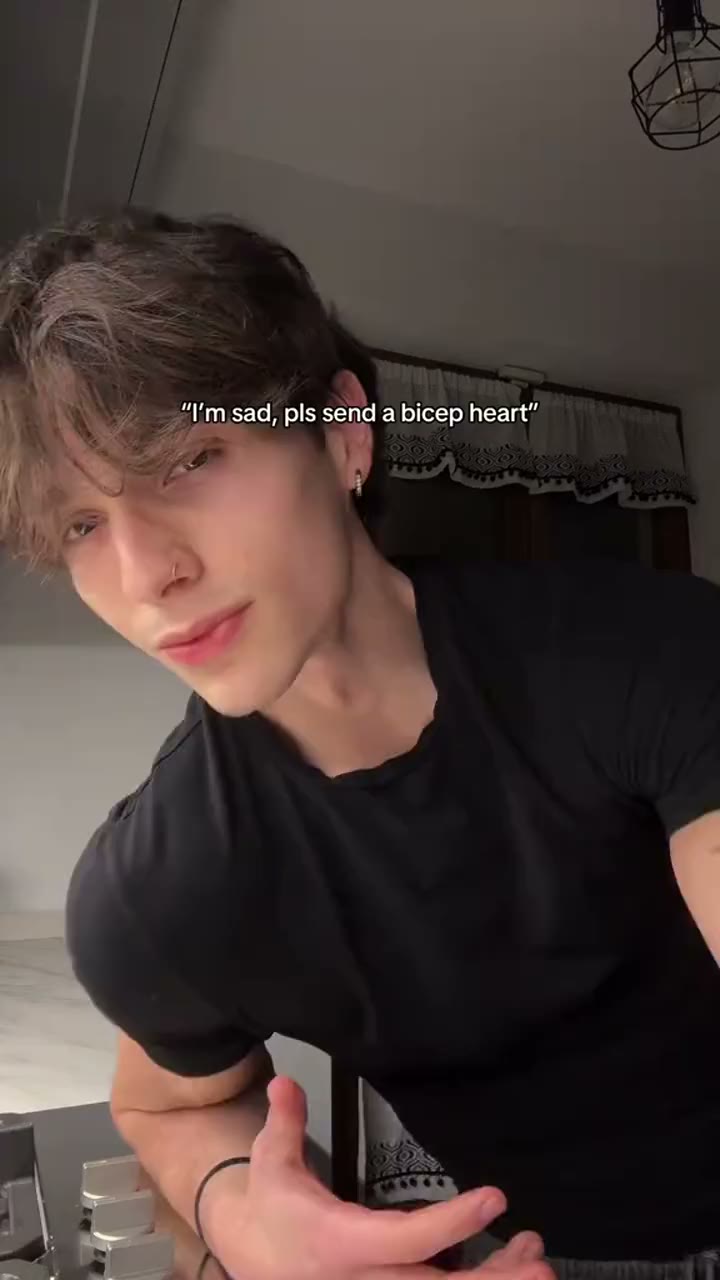
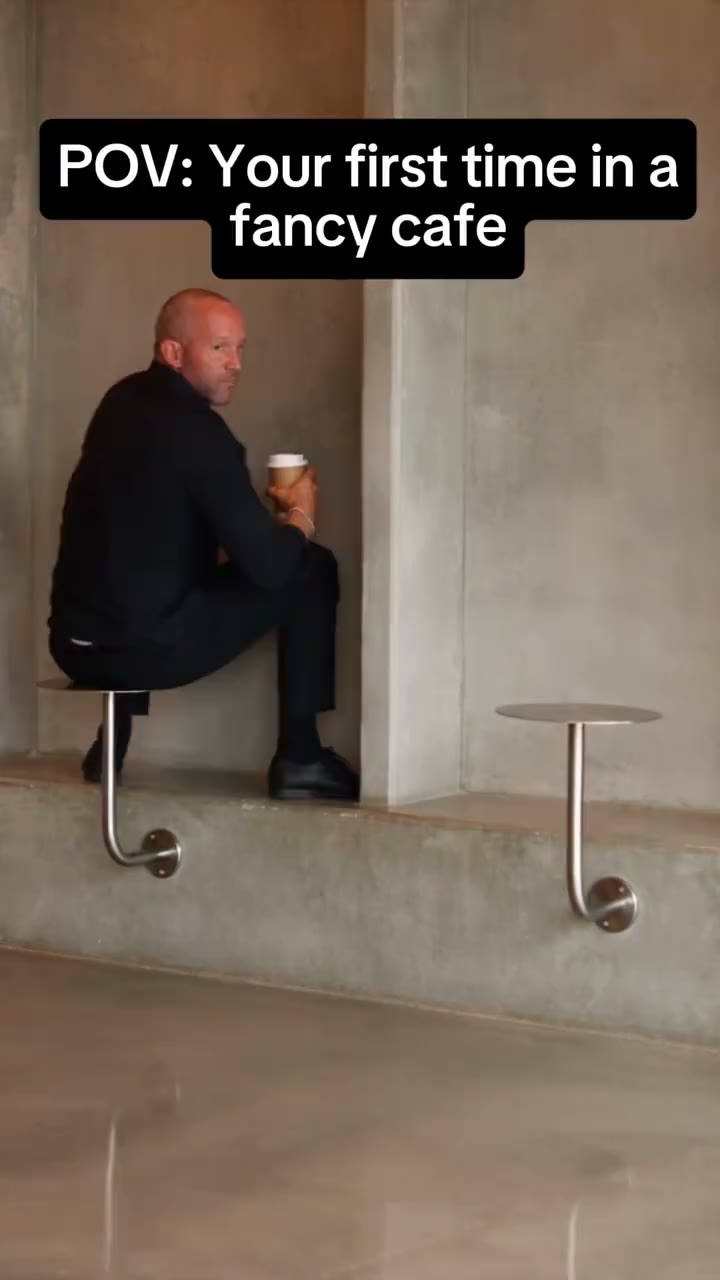
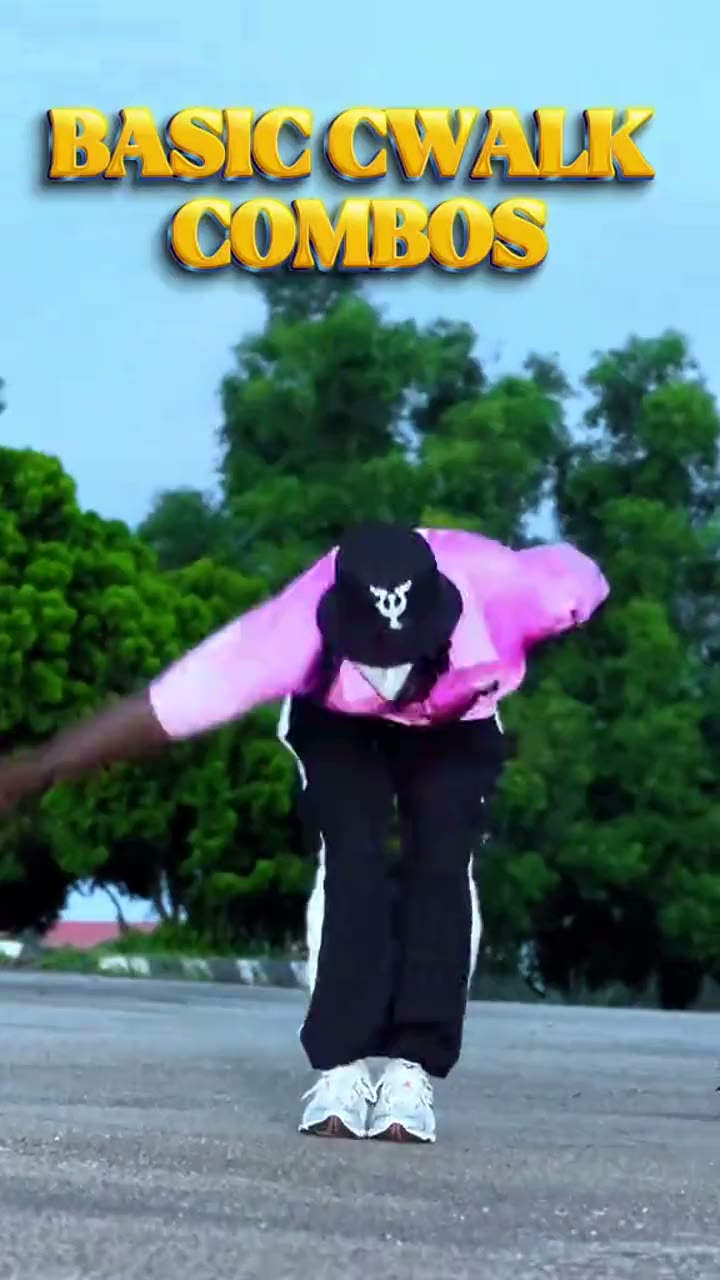
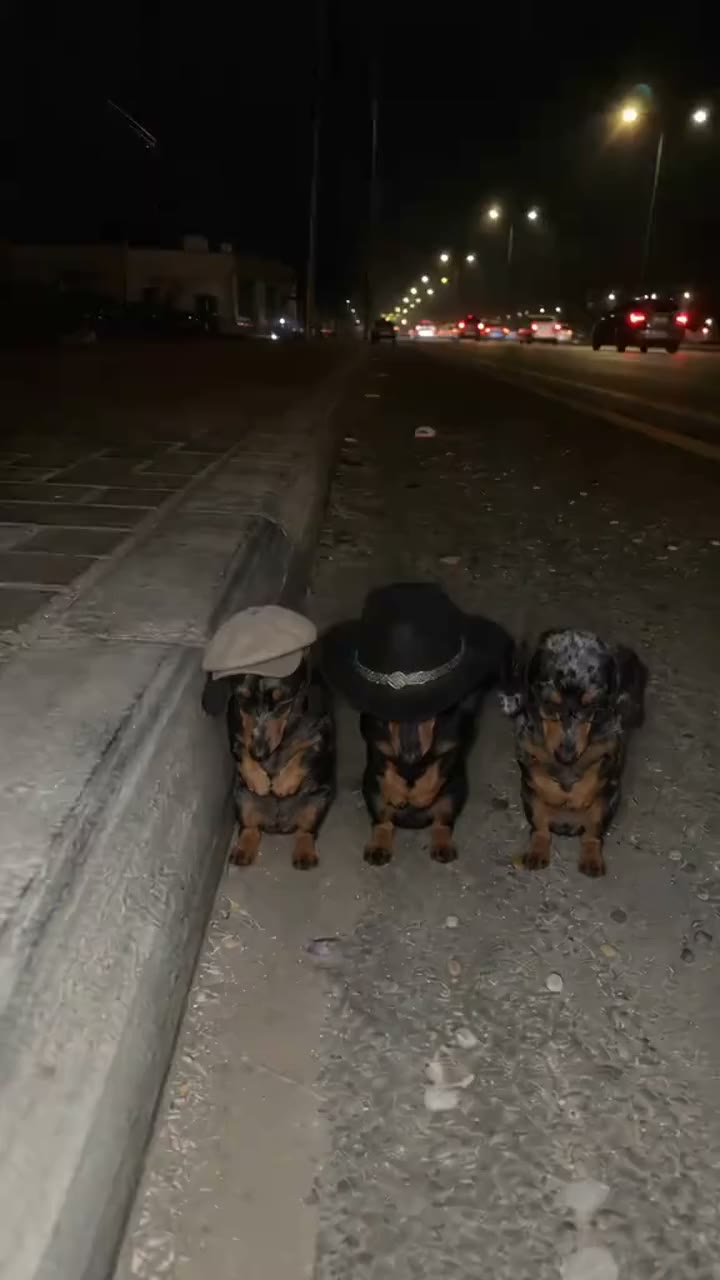
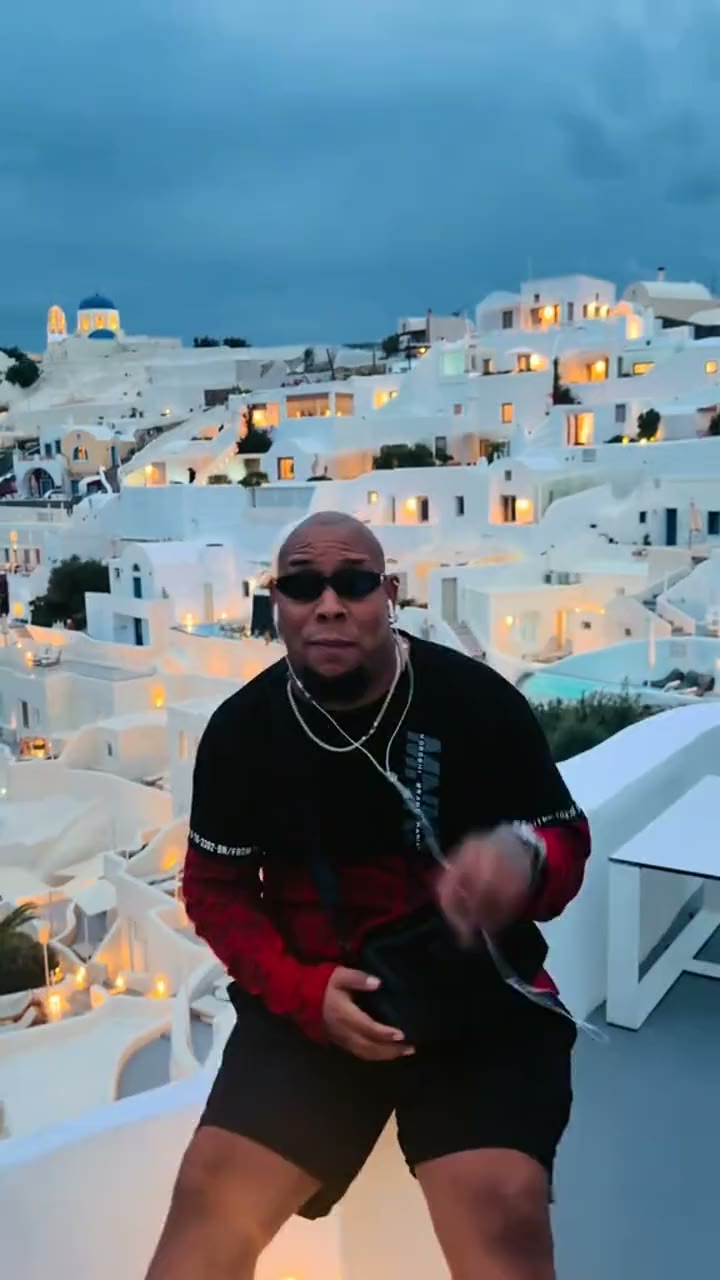
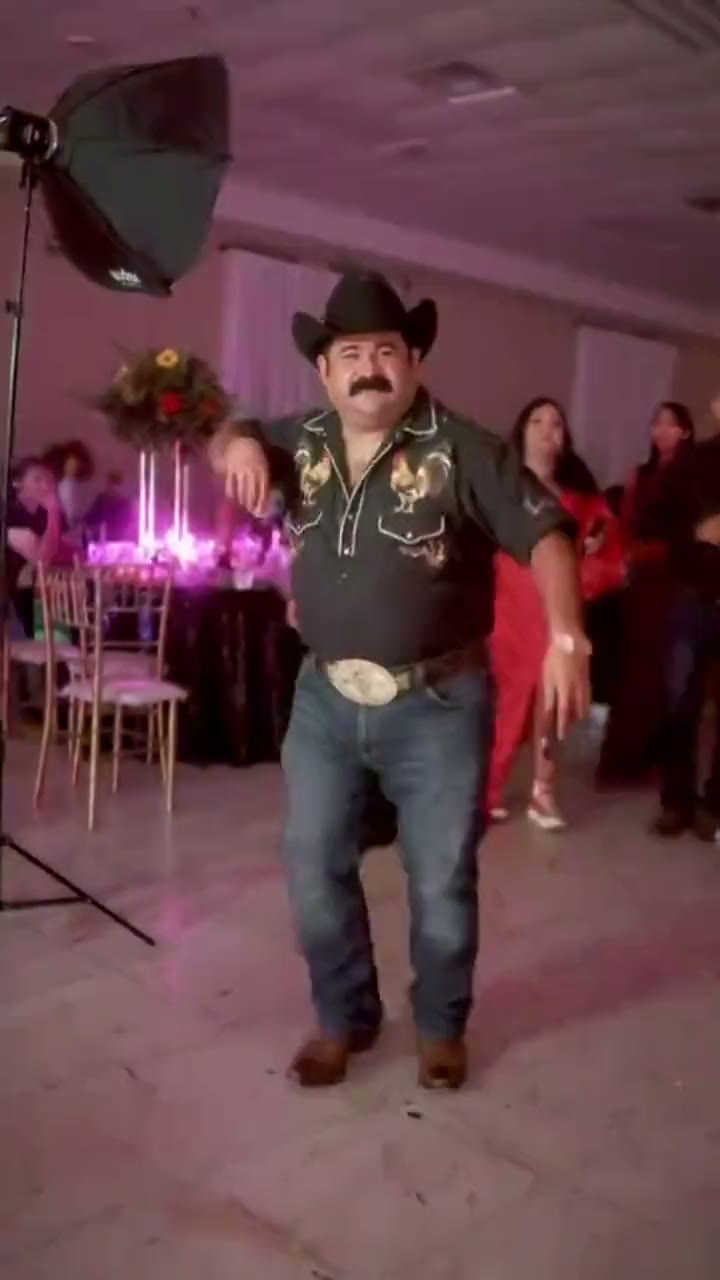
Put yourself in the video you just watched
Their moves, their sound, your face.