
Which photo works best for an AI face swap video?
Updated · Remake the Trend
A recent photo with your face turned to the camera, in even daylight, sharp, and with nothing covering your face. Waist up is best for AI scenes; full body is best for dance clips. Everything the video knows about how you look comes from this one picture.
Pick a trend to put yourself in
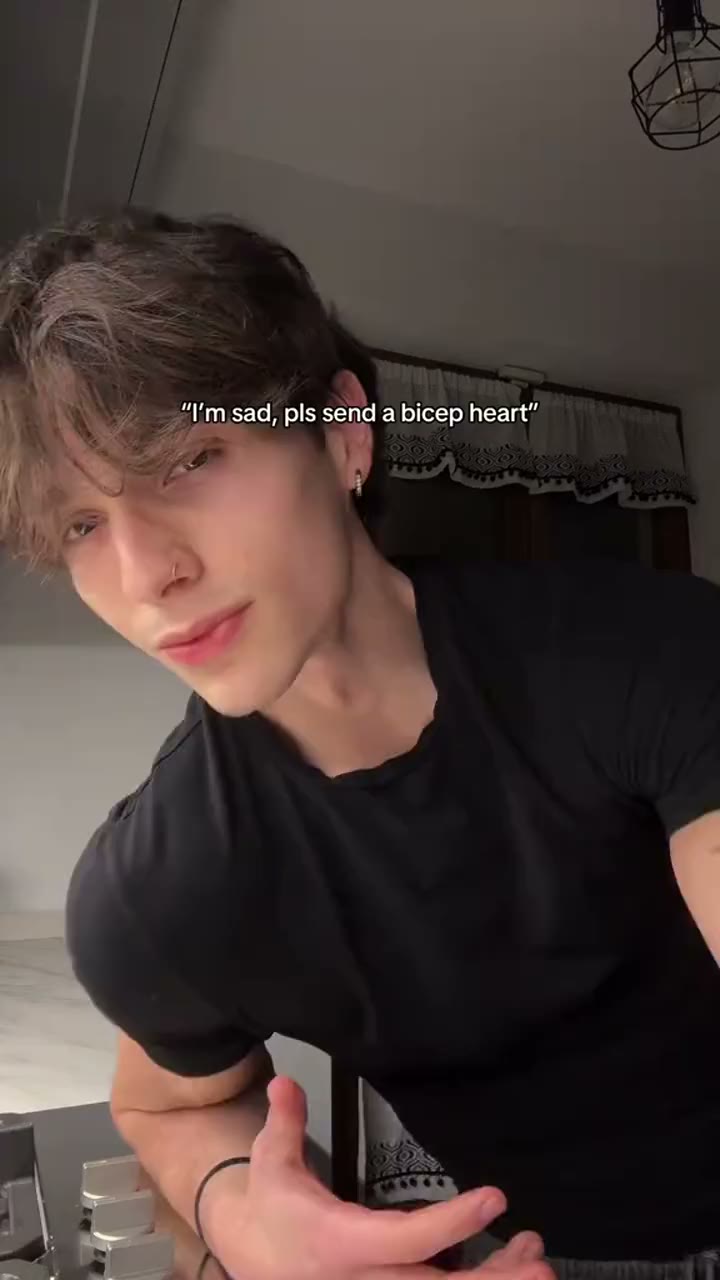 Bicep Heart
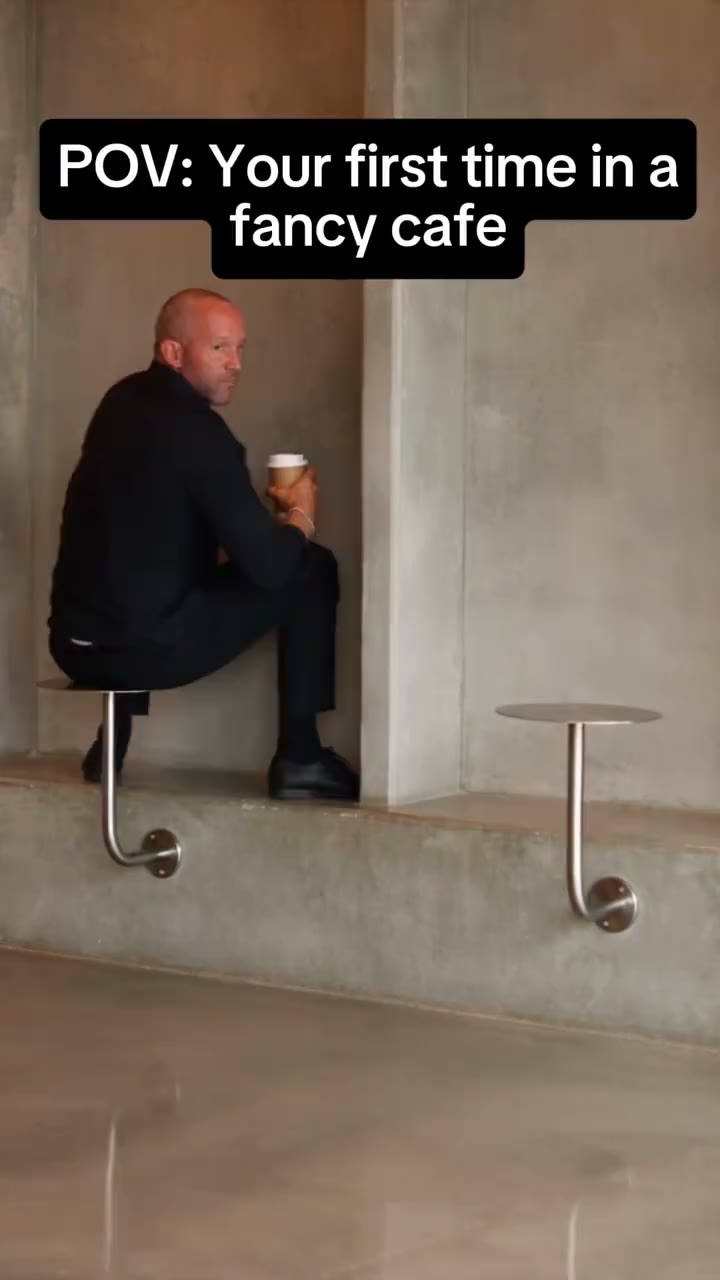 First Time in a Fancy Cafe
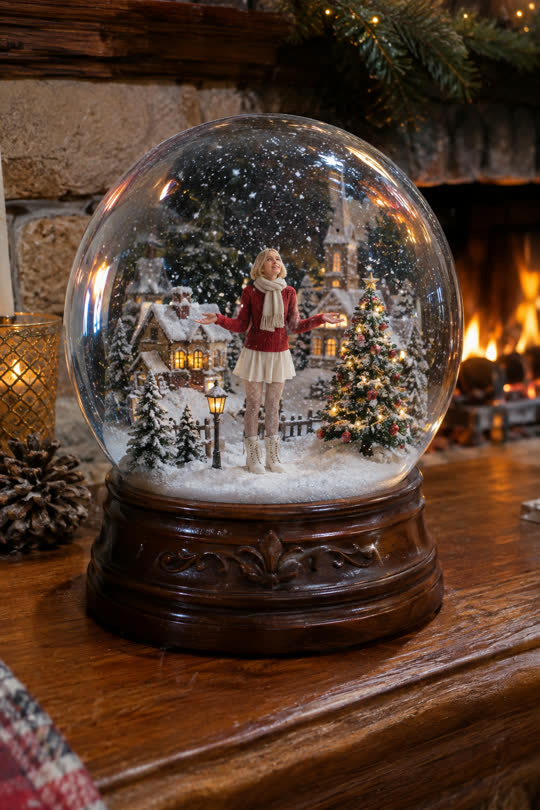 Snow Globe
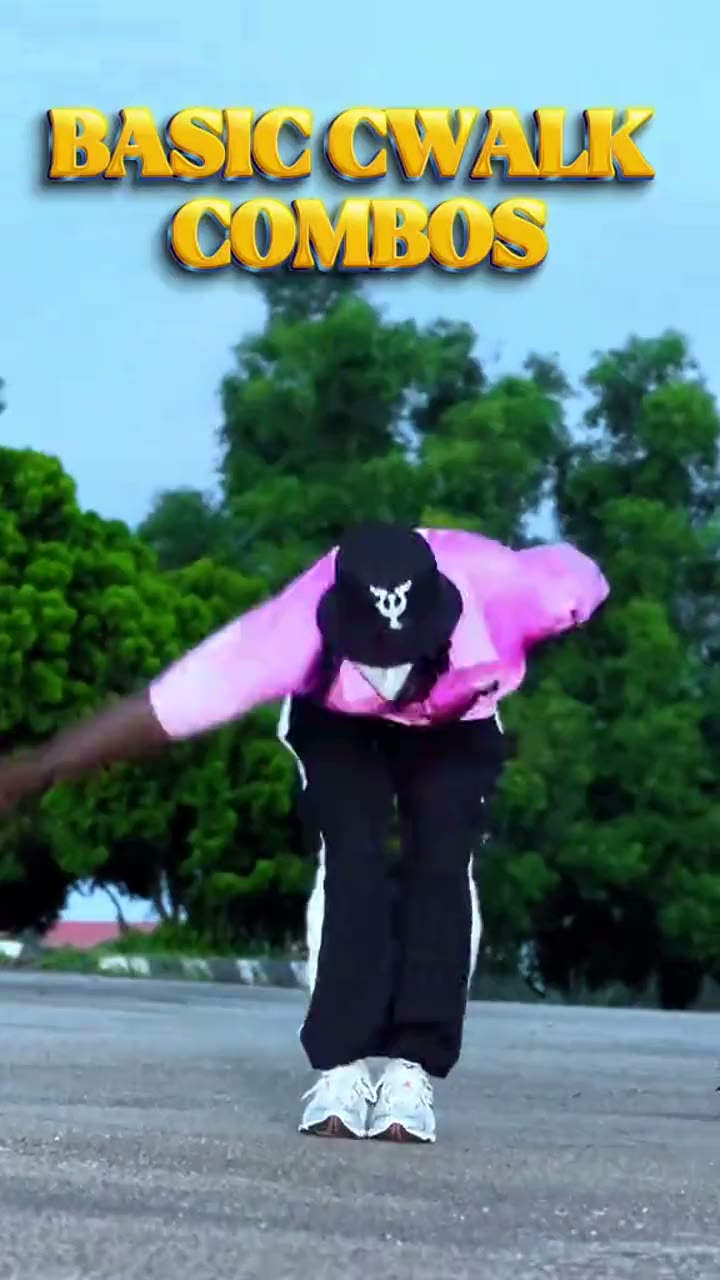 C-Walk
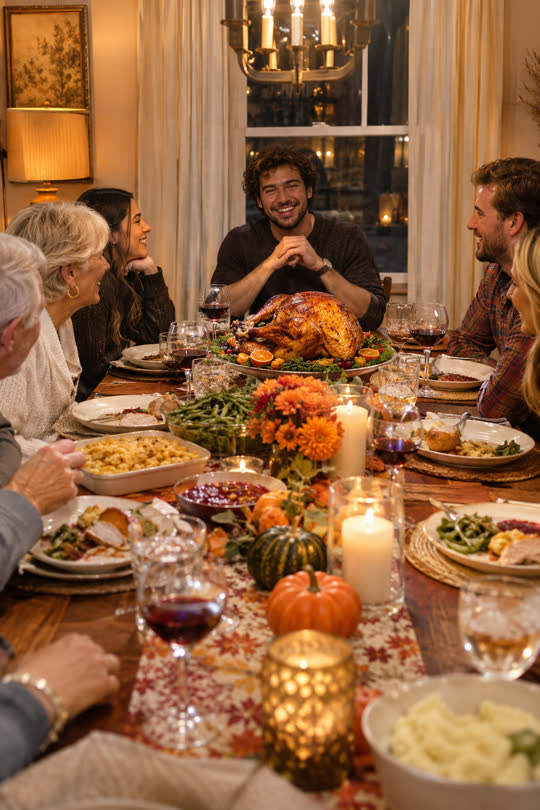 Thanksgiving Dinner
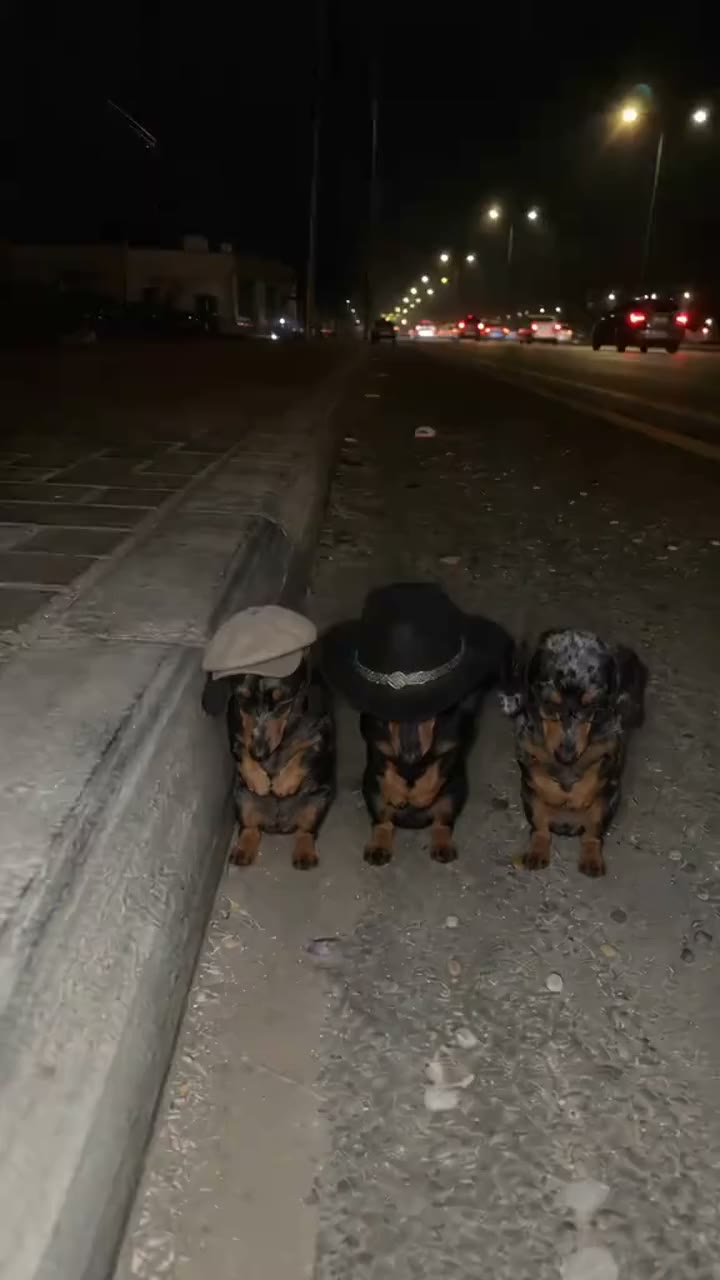 La Calabaza
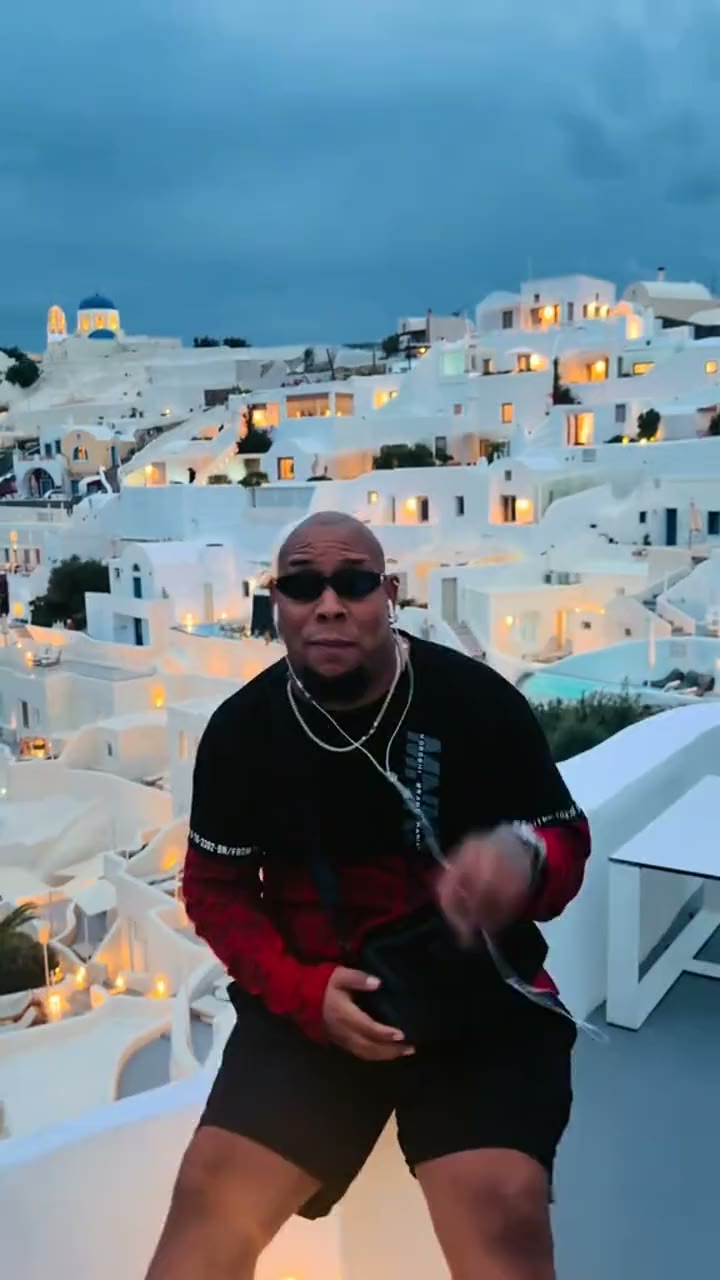 Bulin 47
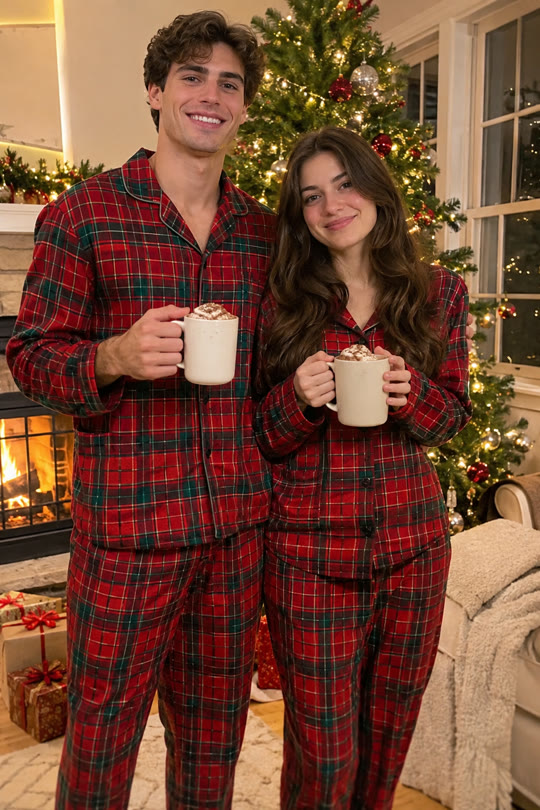 Matching Christmas Pajamas
Why the photo matters so much
The video model has never seen you. It reads your face, hair, skin tone and clothes from one picture and keeps them through 10 seconds of movement. Whatever it can't see, like the side of your face or your hands, it has to guess, and guesses are where faces drift.
What works
- Face turned to the camera, or slightly to the side. Both eyes visible.
- Even light: daylight from a window, or outside in the shade. No strong shadow across half the face.
- Sharp, not a screenshot of a screenshot. A normal phone photo is plenty.
- One person in the frame. With a friend, use the trend's two-photo option: one photo each.
- Waist up for AI scenes (Snow Globe, Selfie With Santa). Full body for dances, so the legs and outfit come from you.
- Your face as it is now: the video looks like the photo, filters and all.
What makes faces come out wrong
| In the photo | What happens in the video |
|---|---|
| Sunglasses, a mask, a hand on the face | The model invents what's behind it; the face changes between frames. |
| Face in deep shadow or backlit | Skin tone and features drift as the scene's light moves. |
| Tiny face in a wide shot | Too few pixels to keep the likeness; the result looks like a stranger. |
| Strong beauty filter | The filtered face is what gets kept, smoothing included. |
| Several people | The wrong face may be used. Crop to one person. |
| A child | Refused: we don't make videos of anyone under 18. |
Pets
For a dog or cat: the whole animal, eyes open, at its own level rather than from above. Fur colour and markings come from the photo, so a sharp, well-lit one keeps them right.
Test before you pay
Every trend makes a free preview of the first frame from your photo. If the face in it doesn't look like you, the video won't either: try another photo (you can change the preview up to 3 times and make several previews a day).
Sources
The rest of this page comes from the previews and videos we make when we add each trend; we don't have numbers for how often each kind of photo fails.
- How we test each trend before adding it
- Our photo rules (whose photos are allowed)
Related
- How to do the AI video trends with your own face
- Is AI face swap safe? What happens to your photo
- Can you make AI trend videos for free?
- How AI face swap videos work
- Which app are people using for the AI trend videos?
- AI video trend calendar: November and December 2026
- How to find TikTok trends early
- How long do AI video trends last?
- AI video trends to do with a friend or partner
- Bicep Heart Trend
- First Time in a Fancy Cafe Trend
- Snow Globe Trend
- C-Walk Trend
- Thanksgiving Dinner Trend
- La Calabaza Trend
- Bulin 47 Trend
- Matching Christmas Pajamas Trend
- Bby Wow Guy Trend
- Smooth Criminal Dance Trend
- Bestie Photo Booth Trend
- Santa's Sleigh Trend
- All trends