
Which app are people using for the AI trend videos?
Updated · Remake the Trend
There isn't one. When we looked at the most-watched posts of the trends we track, many were CapCut template and app tutorials, and the rest came from AI video apps and websites. Many apps rent the same few video models through APIs (we use ByteDance's Seedance and Kuaishou's Kling); the app decides the price, the effort and how close it gets to the trend.
Pick a trend to put yourself in
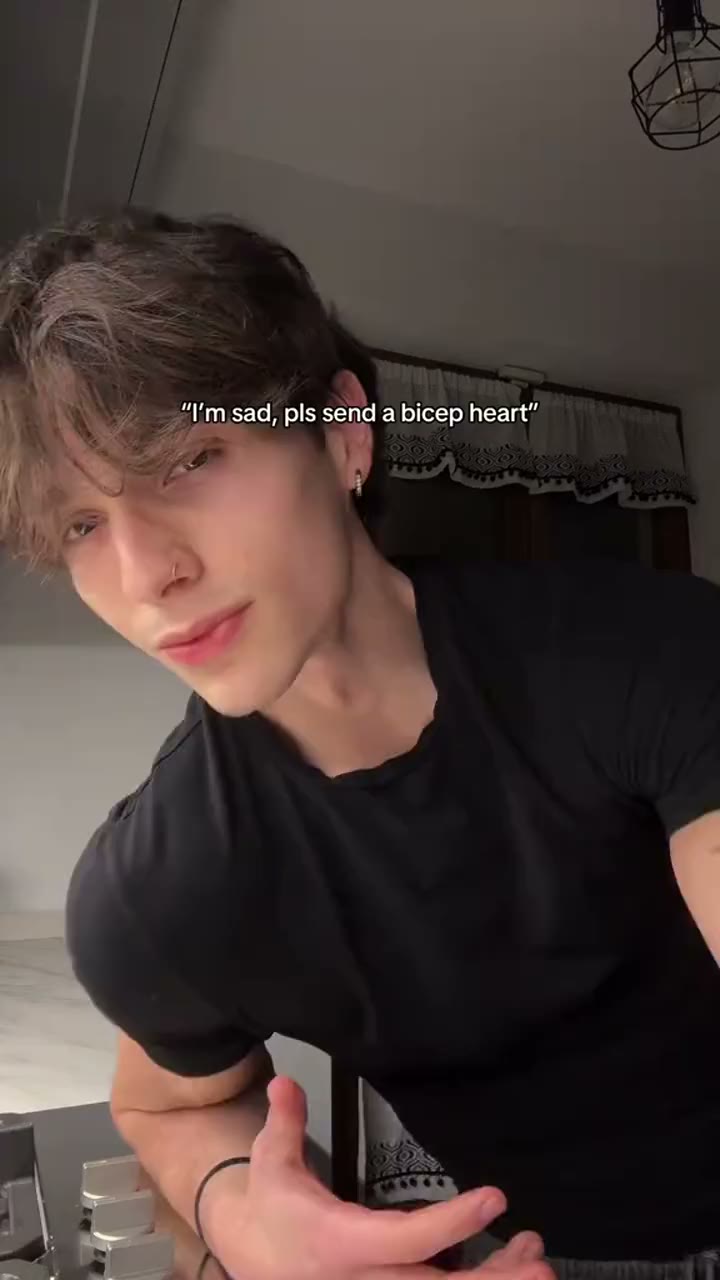 Bicep Heart
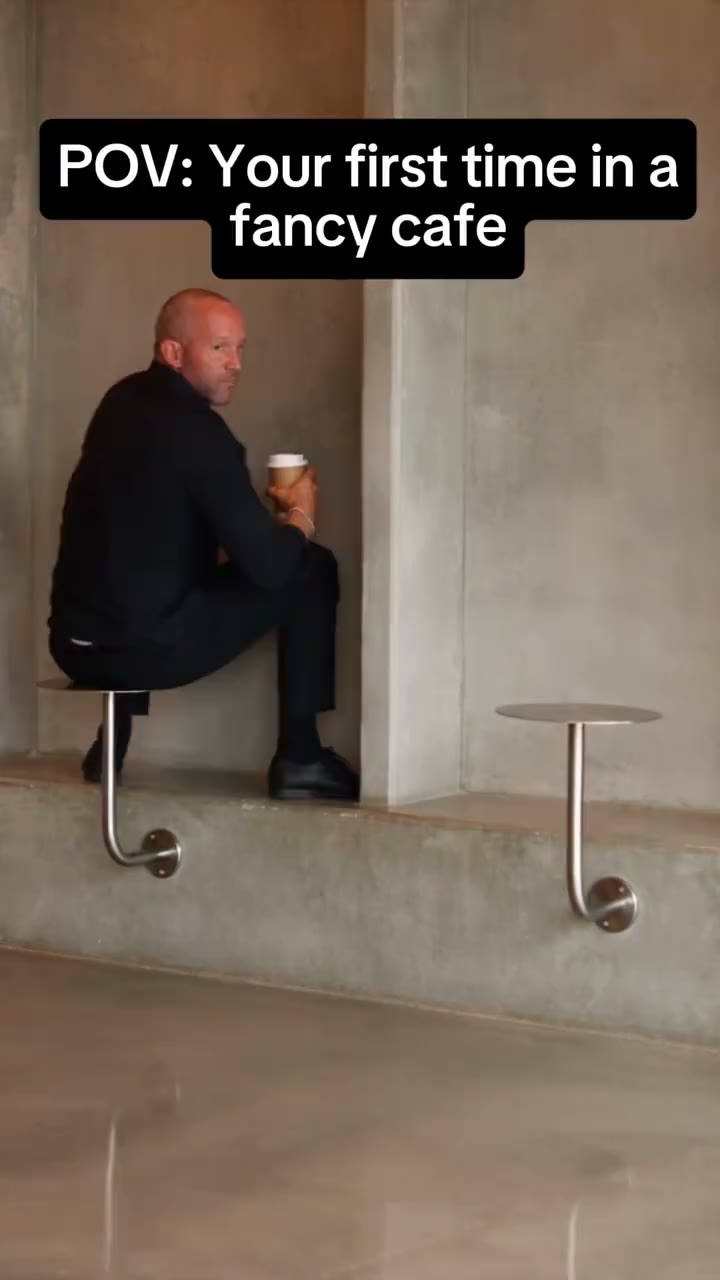 First Time in a Fancy Cafe
 Snow Globe
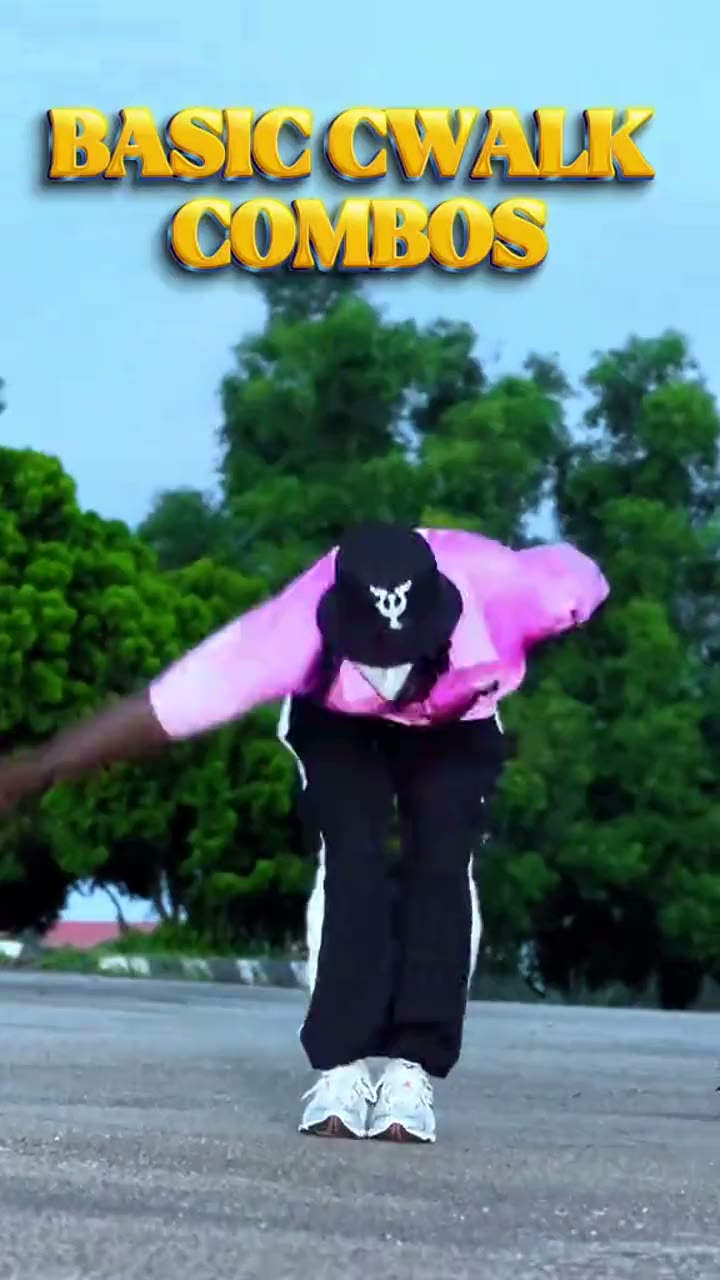 C-Walk
 Thanksgiving Dinner
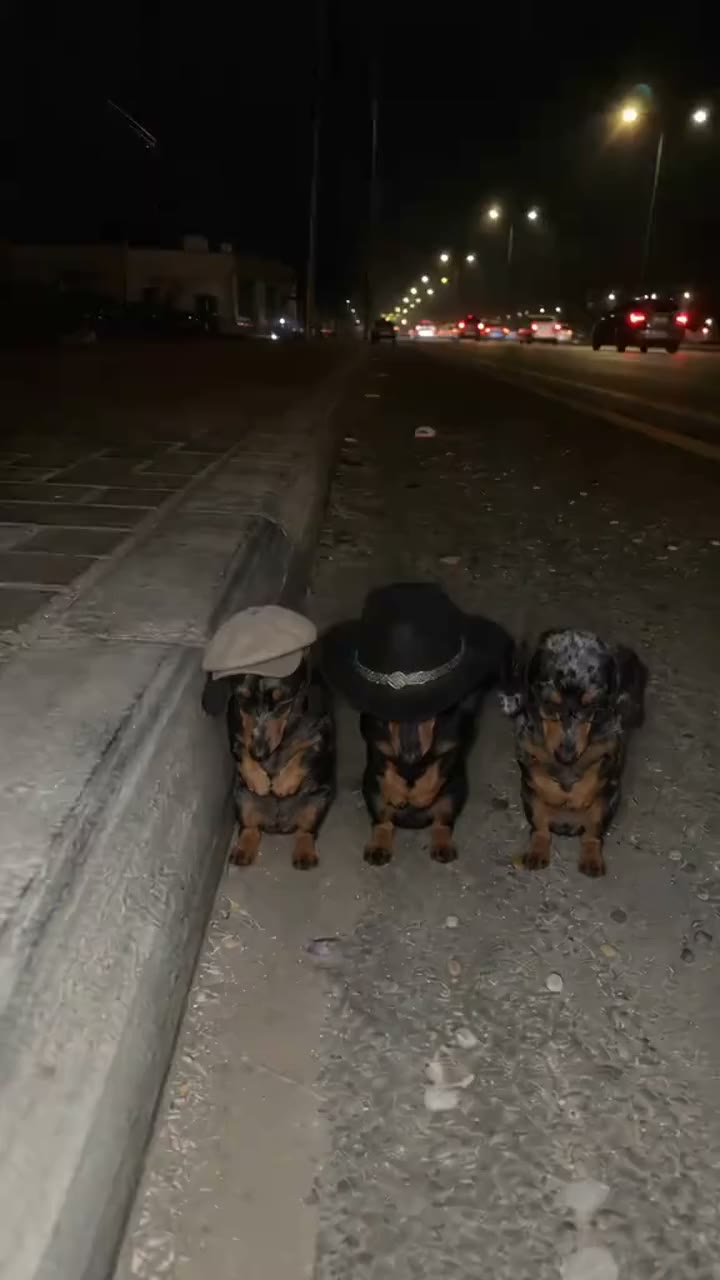 La Calabaza
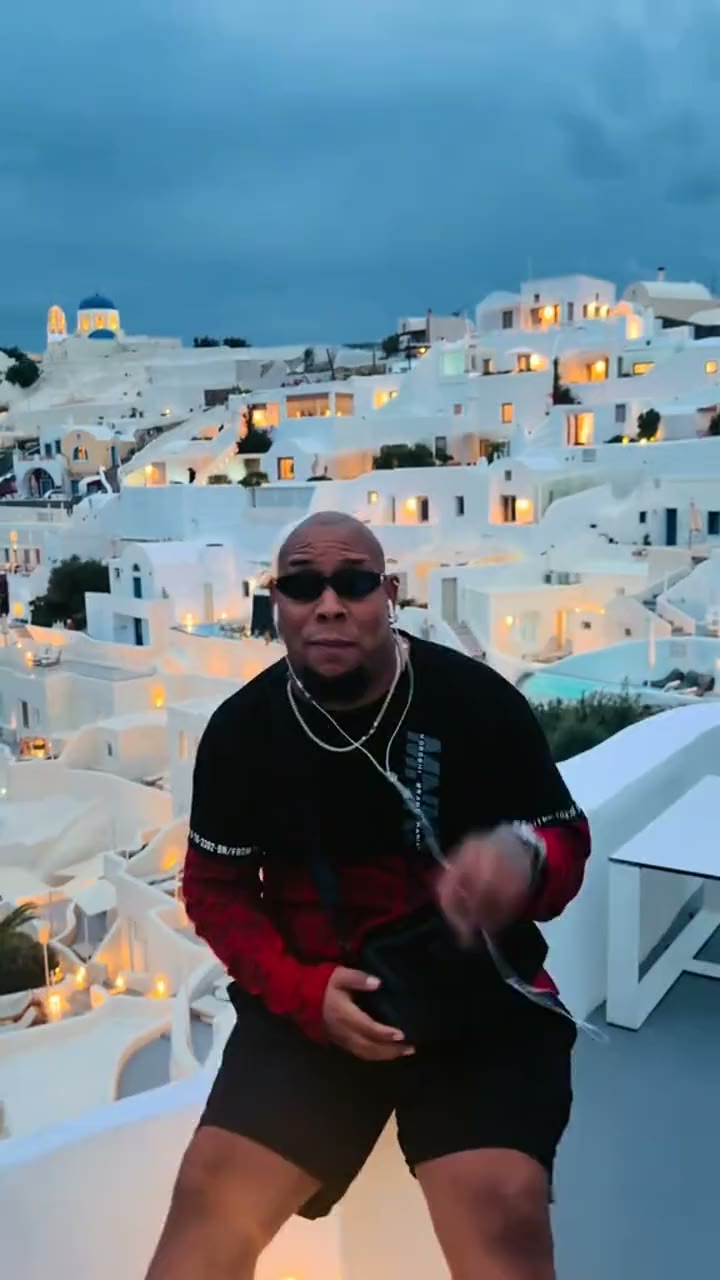 Bulin 47
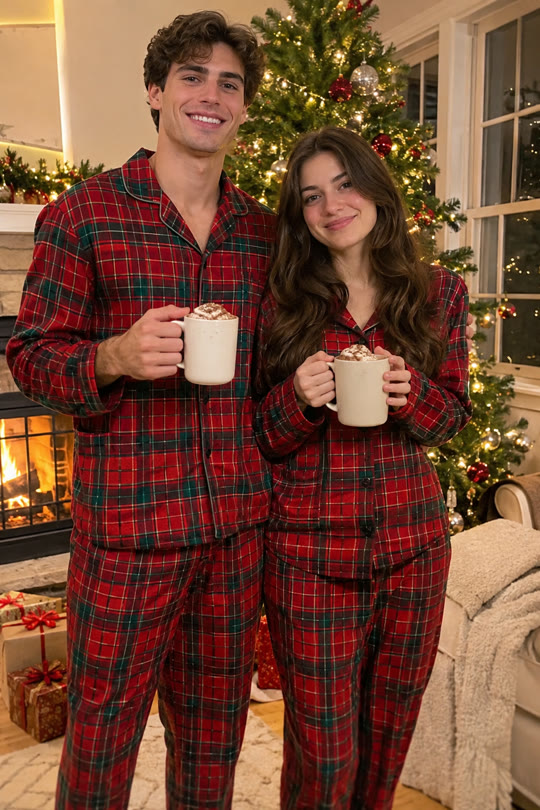 Matching Christmas Pajamas
The three kinds of tools
| Kind | How it works | Good for |
|---|---|---|
| Editor templates | Drop photos into a pre-made edit | Photo-dump and transition trends |
| AI video apps | Write a prompt, add a photo, get a clip | Anything, if you can write the prompt |
| Trend sites (like this one) | Pick the trend, add a photo; the prompt and settings are done | A specific trend, quickly |
How to tell what a video was made with
- Look for a CapCut template link above the caption: TikTok shows one on posts made from a template.
- Check the caption and comments: creators are often asked, and often answer.
- TikTok's AI-generated label says it's AI, not which app.
Which should you use?
If the trend is a photo edit, a free template is enough. If you have to move in it (a dance, a reaction, a scene), you need a video model: an app if you enjoy writing prompts, a trend site if you just want that trend to look right the first time.
Sources
We didn't count apps across all of TikTok; this is what we saw in the posts matching our trends.
- How we measure trends (our look at the most-watched matching posts, 4 November 2026)
- How AI face swap videos work (which models we use)
- OpenRouter: Seedance 2.0 (one of the API services that rent the model to apps)
Related
- How to do the AI video trends with your own face
- Which photo works best for an AI face swap video?
- Is AI face swap safe? What happens to your photo
- Can you make AI trend videos for free?
- How AI face swap videos work
- AI video trend calendar: November and December 2026
- How to find TikTok trends early
- How long do AI video trends last?
- AI video trends to do with a friend or partner
- Bicep Heart Trend
- First Time in a Fancy Cafe Trend
- Snow Globe Trend
- C-Walk Trend
- Thanksgiving Dinner Trend
- La Calabaza Trend
- Bulin 47 Trend
- Matching Christmas Pajamas Trend
- Bby Wow Guy Trend
- Smooth Criminal Dance Trend
- Bestie Photo Booth Trend
- Santa's Sleigh Trend
- All trends