
How AI face swap videos work
Updated · Remake the Trend
Two different ways. For AI scenes, your photo is turned into the scene's first frame and a video model animates it from a written description. For real TikTok clips, a motion model takes the moves from the original clip and puts them on the person in your photo. Neither pastes a face onto a video frame by frame, as older face swaps did.
Pick a trend to put yourself in
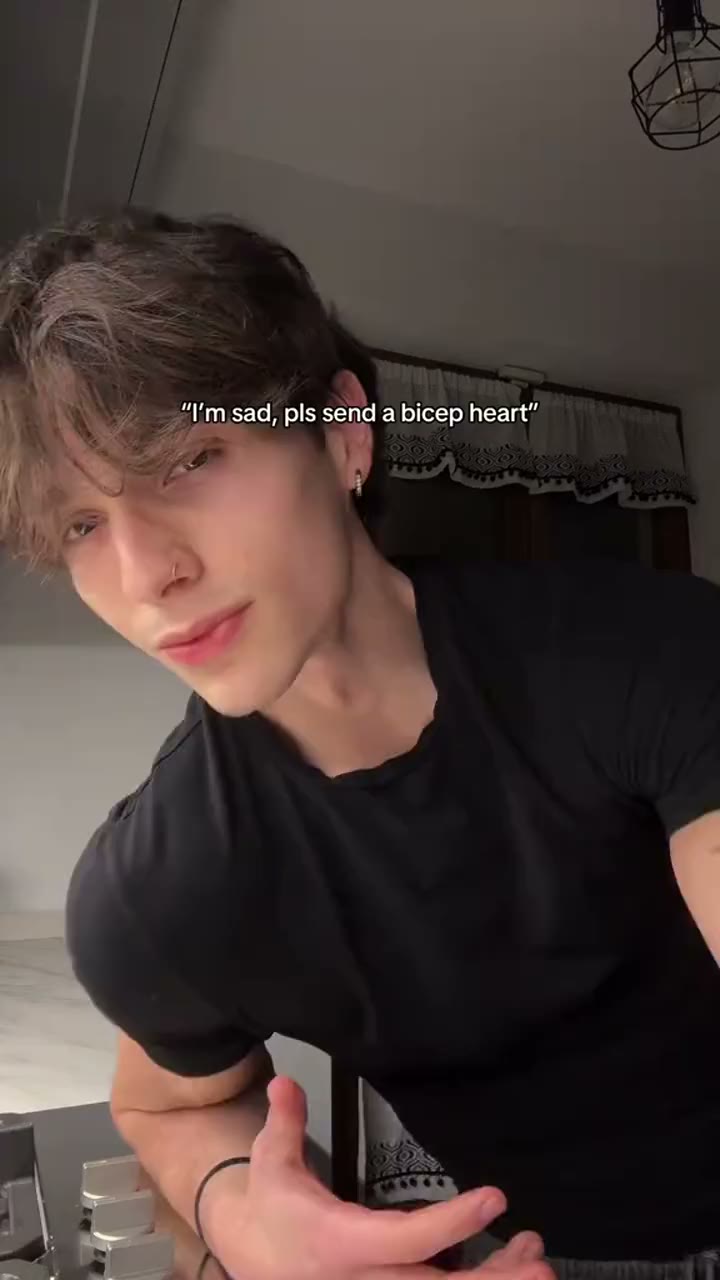 Bicep Heart
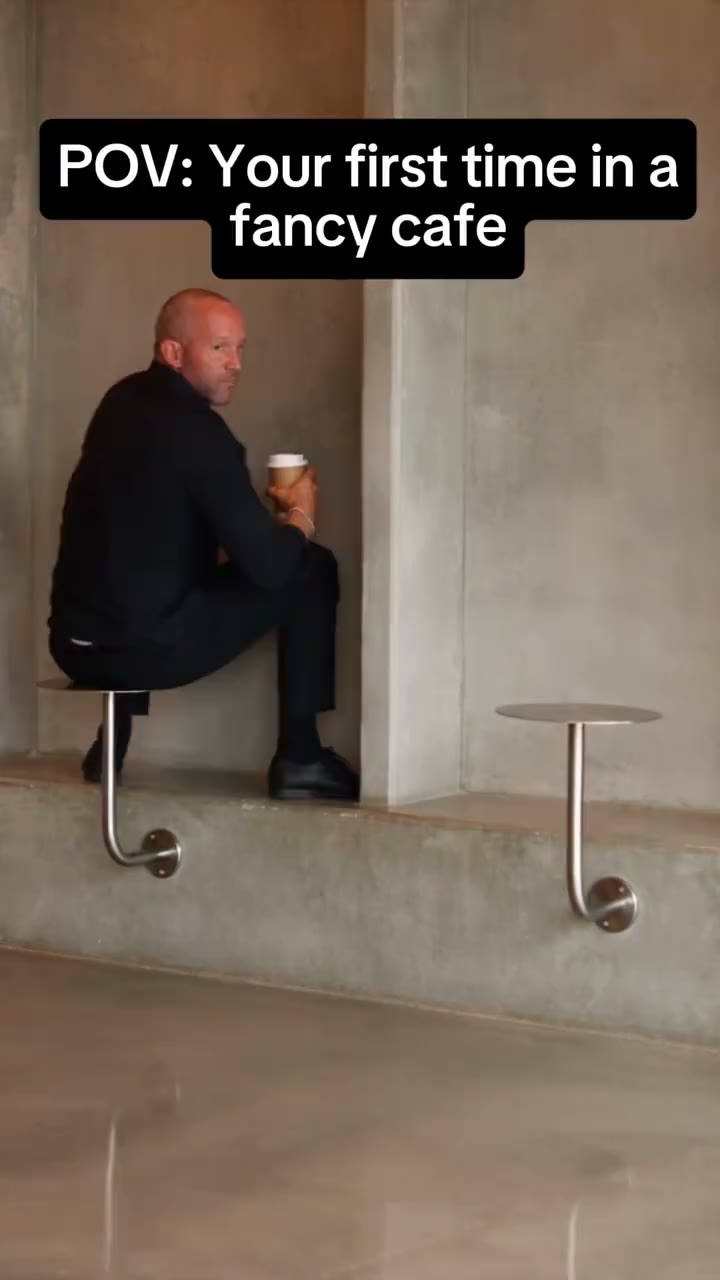 First Time in a Fancy Cafe
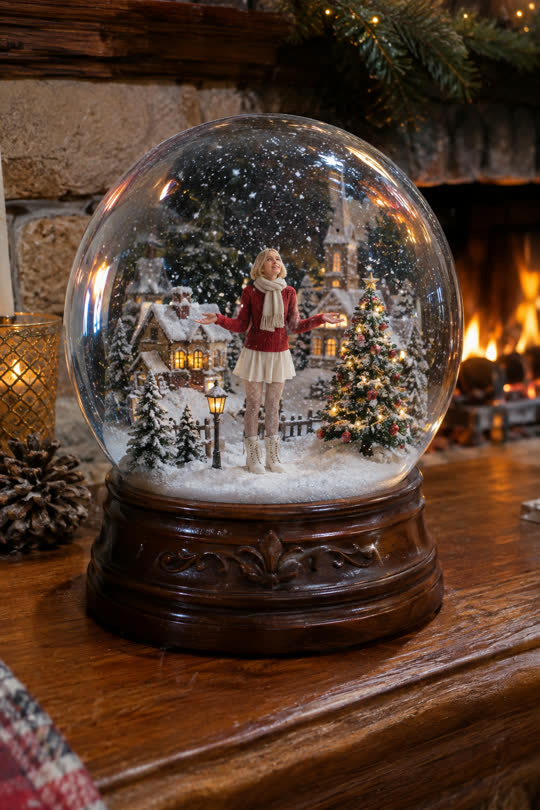 Snow Globe
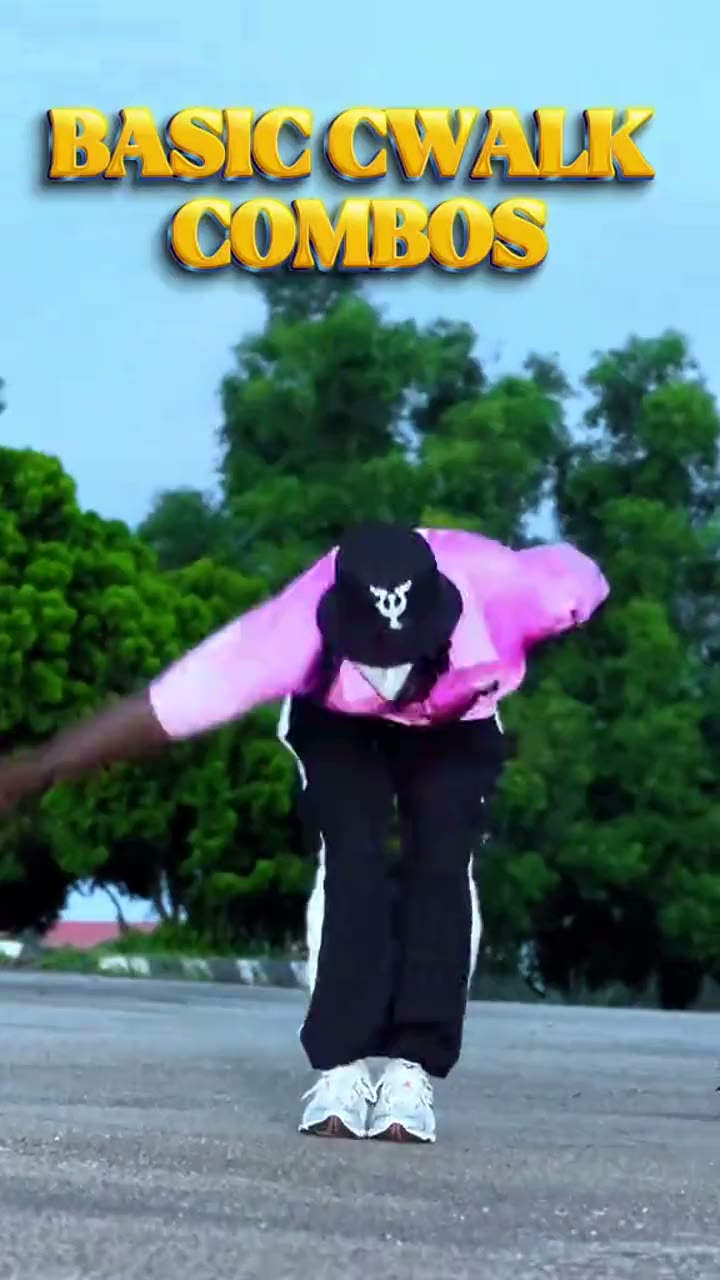 C-Walk
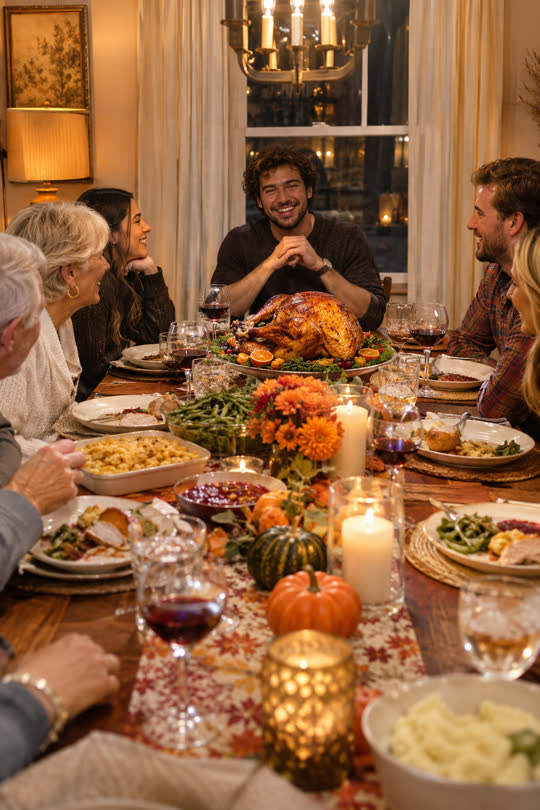 Thanksgiving Dinner
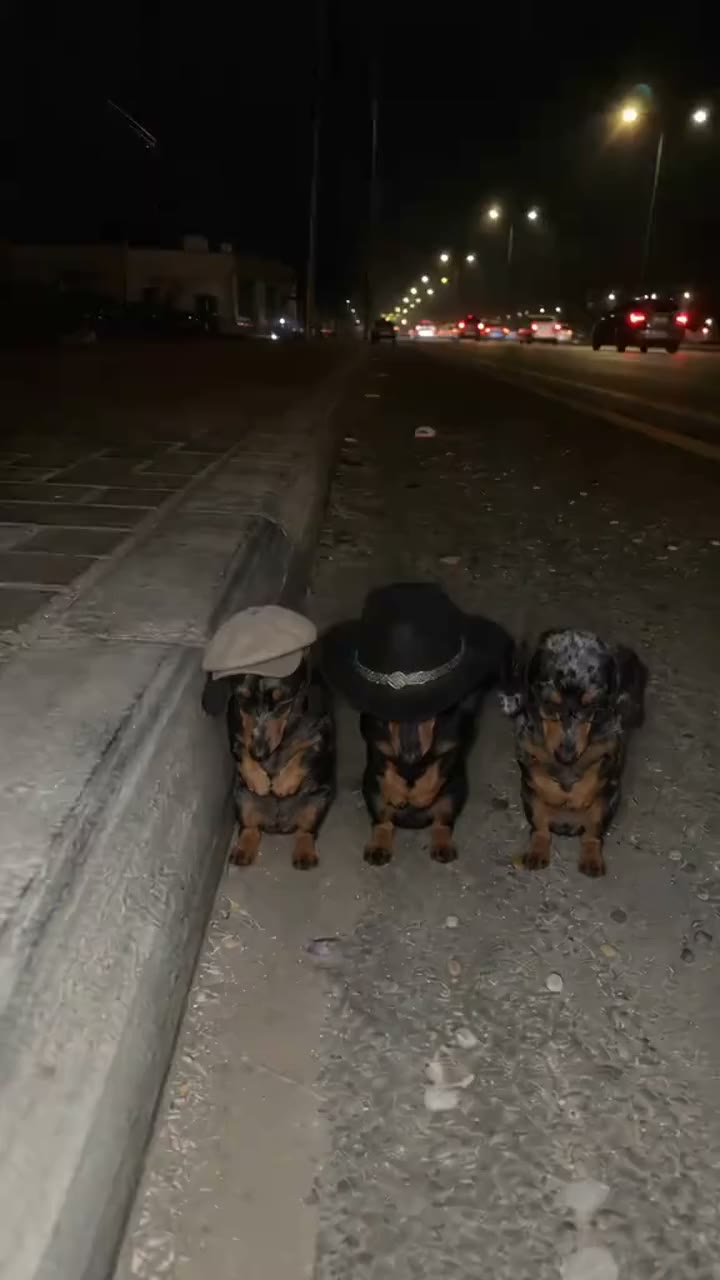 La Calabaza
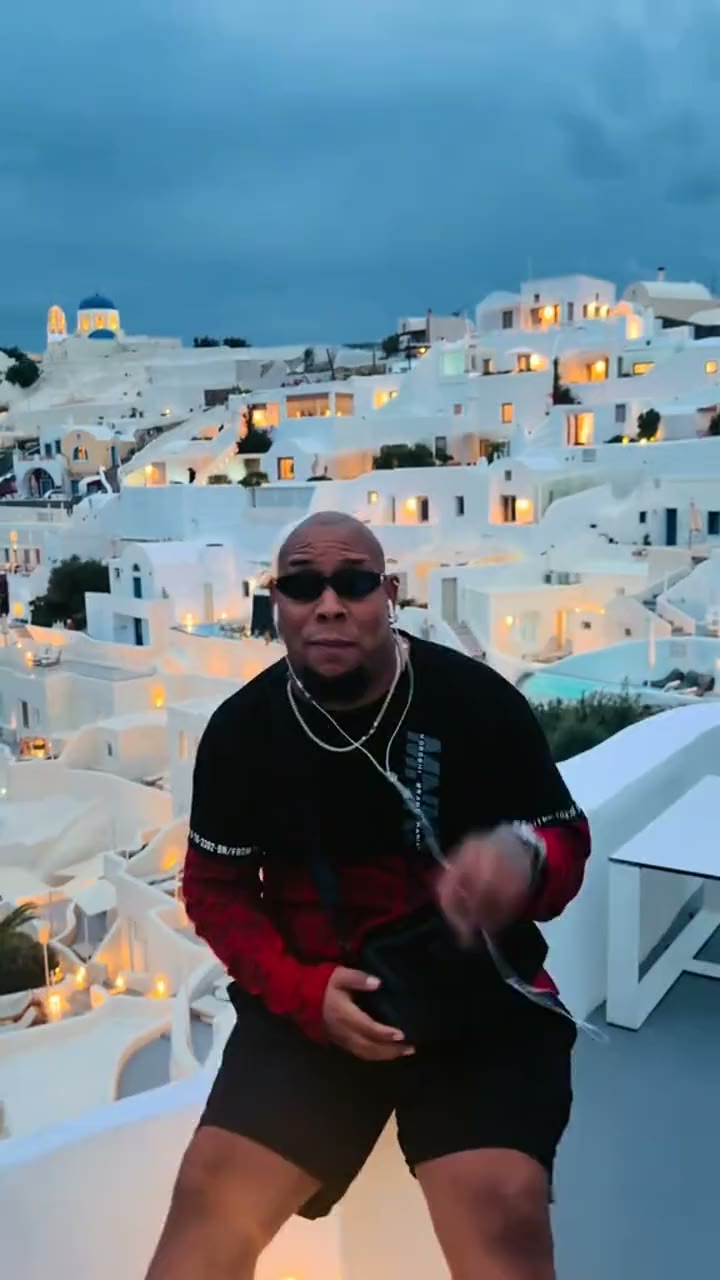 Bulin 47
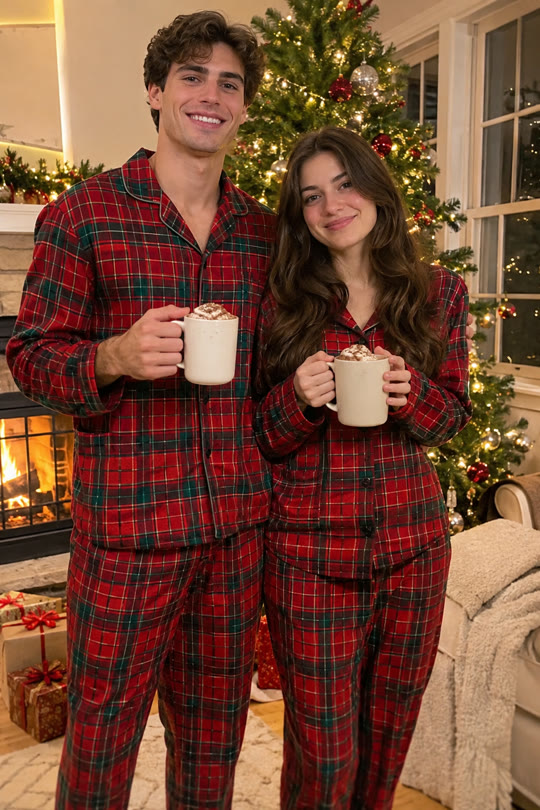 Matching Christmas Pajamas
AI scenes: first frame, then motion
- Your photo and the scene's description go to an image model (Google's, here), which draws you in the scene: that is the free preview.
- The preview becomes the first frame of the video.
- An image-to-video model (here ByteDance's Seedance 2.0 Fast) continues it for 10 seconds from a written description of what happens, and makes the sound with it.
Real clips: motion transfer
For a real TikTok clip, the model (here Kuaishou's Kling 2.6 Motion Control) reads how the dancer moves in the original 10 seconds and makes the person from your first frame move the same way, with the clip's own sound. The whole body is yours, not just the face.
How is that different from old face swap apps?
Classic face swap found the face in every frame of a video and replaced it with yours. It was fast, but the rest of the body, the hair and the skin tone stayed the original person's, and the edge of the face often showed. Video models draw every frame from scratch, so hair, body and clothes match, at the cost of a few minutes per video.
Why faces sometimes drift
- The model only knows the side of you that the photo shows; when the head turns, it guesses.
- Fast movement and hands near the face are hard to keep sharp.
- Two people close together can blend features. A photo of each, rather than one photo of both, helps.
Sources
Which models we use comes from our own setup; it may change when a better one appears.
- ByteDance Seed: Seedance 2.0 (text, image, audio and video in; video with sound out)
- OpenRouter: Seedance 2.0 (image-to-video with first-frame control)
Related
- How to do the AI video trends with your own face
- Which photo works best for an AI face swap video?
- Is AI face swap safe? What happens to your photo
- Can you make AI trend videos for free?
- Which app are people using for the AI trend videos?
- AI video trend calendar: November and December 2026
- How to find TikTok trends early
- How long do AI video trends last?
- AI video trends to do with a friend or partner
- Bicep Heart Trend
- First Time in a Fancy Cafe Trend
- Snow Globe Trend
- C-Walk Trend
- Thanksgiving Dinner Trend
- La Calabaza Trend
- Bulin 47 Trend
- Matching Christmas Pajamas Trend
- Bby Wow Guy Trend
- Smooth Criminal Dance Trend
- Bestie Photo Booth Trend
- Santa's Sleigh Trend
- All trends